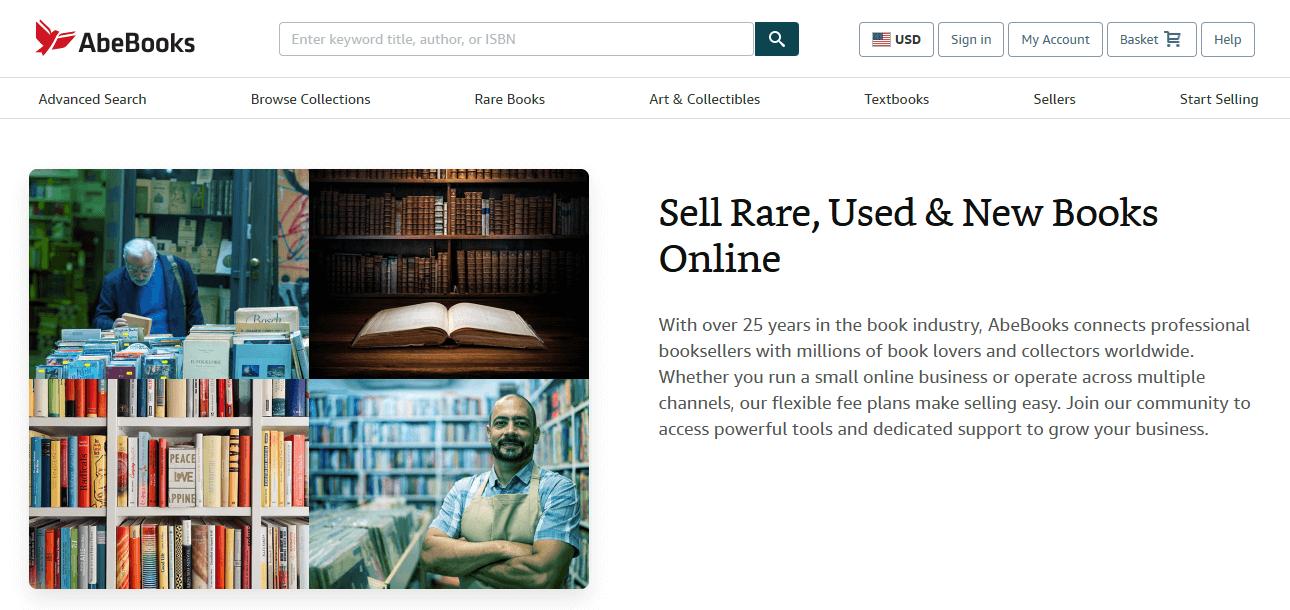
AbeBooks is a global online marketplace specializing in new and used books, including rare titles, first editions, and signed copies. The name "AbeBooks" comes from the abbreviation "ABE", which stands for the site’s original name, "Advanced Book Exchange", and is still often used today.
Since its launch in 1996, AbeBooks has expanded far beyond just books. The marketplace now also offers special issues of comics and magazines, vintage maps, photographs and art prints, original music sheets, and many other collectible paper items.
In 2008, AbeBooks became part of Amazon. Despite this, AbeBooks continues to work independently and has its own book-related subsidiaries: a book price comparison tool BookFinder.com, a Spanish book marketplace IberLibro.com, and a marketplace for German antiquarian titles ZVAB.com.
AbeBooks primarily focuses on the US, UK, Germany, France, and Italy, but it’s open to booksellers of all sizes from anywhere around the world.
The main AbeBooks website attracts 9 million visits worldwide every month, and its local versions pull in several million more.
AbeBooks has no listing fees, so you can sell as many products as you want, paying a small commission only for the ones sold.
AbeBooks has all kinds of people ready to buy your books, from students and avid readers to niche fans and affluent collectors.
Beginners can start on AbeBooks subscription-free with the Basic plan, while advanced Premium sellers can save on commissions.
Part of Amazon, AbeBooks is one of the most popular and trusted marketplaces for rare books, art, and collectible paper items.
Retailers on AbeBooks can freely price their goods, set their own shipping rates and terms, and negotiate directly with buyers.
To join AbeBooks as a seller, head over to the AbeBooks page for sellers, choose "Start selling" under your preferred pricing plan, and follow the super easy account creation process. If you have an Amazon account, you can log in with it instead of making a separate AbeBooks profile.
After you sign in to AbeBooks, you will be prompted to submit a seller application. This simply involves providing your basic business details like your store’s name, website, contacts, payment methods, tax information, and the types of products sold.
The AbeBooks registration team will review your completed application and, if necessary, contact you to resolve any issues. Once your application is approved, AbeBooks will activate your seller account and send you a welcome email.
You can upload all your items on AbeBooks in one go using a product feed. AbeBooks lets you submit products feeds either manually or through an FTP connection. The FTP method might sound more complex, but we strongly recommend choosing it over the manual one because it’s more secure, reliable, and can be automated.
Mulwi can help you both create a compliant product feed for AbeBooks and quickly connect it to your seller account via FTP. Just send a request to our support team with your requirements, and we’ll build a perfect AbeBooks feed for your Shopify store free of charge.
After you get an AbeBooks product feed from Mulwi, you only need to copy your AbeBooks FTP credentials to this feed’s settings, and our app will take over the uploads from there. Mulwi itself will regularly give an up-to-date feed to AbeBooks on your behalf, automatically keeping your goods on the marketplace fresh.
Upon picking your inventory upload method, you should inform the AbeBooks team about it. They will set up your account to accept your desired listing format and make sure that your offers appear on the marketplace correctly.
So, ready to write a chapter about AbeBooks in your success story? Then sign up on AbeBooks and reach out to Mulwi today to become the next bestseller tomorrow!