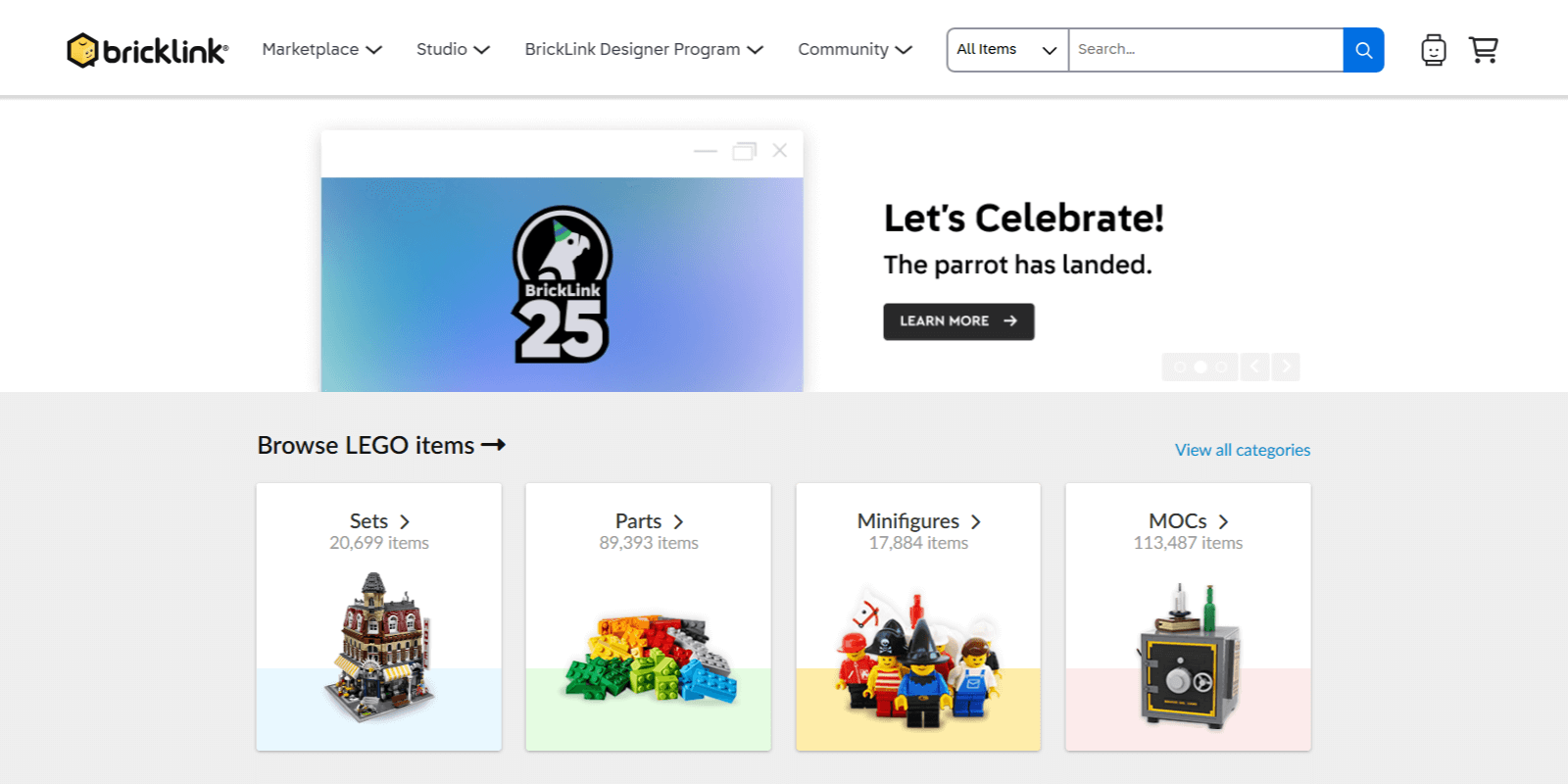
BrickLink.com is the world’s biggest online marketplace dedicated to LEGO products and a community platform uniting creative LEGO enthusiasts of all ages and nations.
On BrickLink, users can buy and sell LEGO parts, sets, minifigures, and accessories, both new and used, as well as design, share and monetize their own creations. They can also connect with other members through forums and explore the massive database of all existing LEGO artifacts.
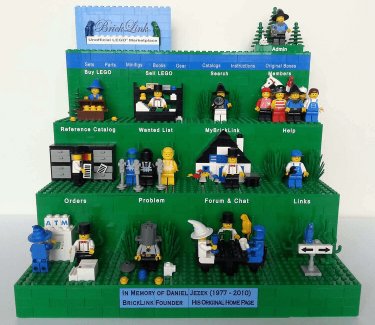
Launched in 2000, BrickLink started out as a passionate project of Daniel Jezek and became one of the first unofficial LEGO marketplaces. After his passing in 2010, his family continued his dream, helping BrickLink grow into the go-to hub for adult fans of LEGO (AFOLs) like Dan. In 2019, BrickLink became an official part of the LEGO family with the acquisition by the LEGO Group, which solidified its importance for AFOLs even further.
Today, the BrickLink marketplace features over 600 million LEGO items for sale from more than 10,000 individuals and companies worldwide.
BrickLink has over 1 million registered members from 70+ countries, making it the world’s largest LEGO marketplace.
BrickLink lets you sell everything LEGO, from sealed sets and minifigures to individual parts and custom creations.
Built specifically for adult LEGO fans, BrickLink is where affluent buyers are ready to purchase your LEGO goods.
You can sell any number of items on BrickLink with no listing charges, only paying a small fee from the order value.
BrickLink’s selling fees are generally lower than those of other marketplaces in the LEGO niche like eBay and Amazon.
BrickLink sellers have full control over their sales, including item pricing, shipping, and customer communication.
Joining BrickLink is very straightforward: simply visit its website and choose to create an account. All you need at this step is a valid email, a secure password, and a memorable username.
Community matters the most on BrickLink, which is why BrickLink requires you to get at least one net positive feedback from its existing sellers before you can become one yourself. This unusual verification process ensures that newcomers fully understand the platform’s shopping experience, confirm their billing credentials, and prove their devotion to the community.
Once you have enough positive reviews, go to your BrickLink account settings and select the "Upgrade to a Seller" option. You will need to fill out a short application form with your business details, including its name, address, ship-to countries, and accepted currencies. After submitting this form, you’ll gain access to the site’s "My Store" section and your new BrickLink store.
All newly created BrickLink stores are closed by default. For yours to go live, you must first complete its setup and then have it verified by BrickLink’s Admin Team. The setup consists of choosing shipping methods, providing several business documents, and uploading your inventory.
You can add many items on BrickLink at once using the platform’s mass upload tool and a product feed file. And to speed up the inventory upload even more, you can use a dedicated app like Mulwi to generate a product feed in just a few clicks.
Our experts at Mulwi can create a custom BrickLink product feed for your Shopify store free of charge. Simply send us a request, and we'll configure the feed exactly as you need, as well as help you upload it to BrickLink.