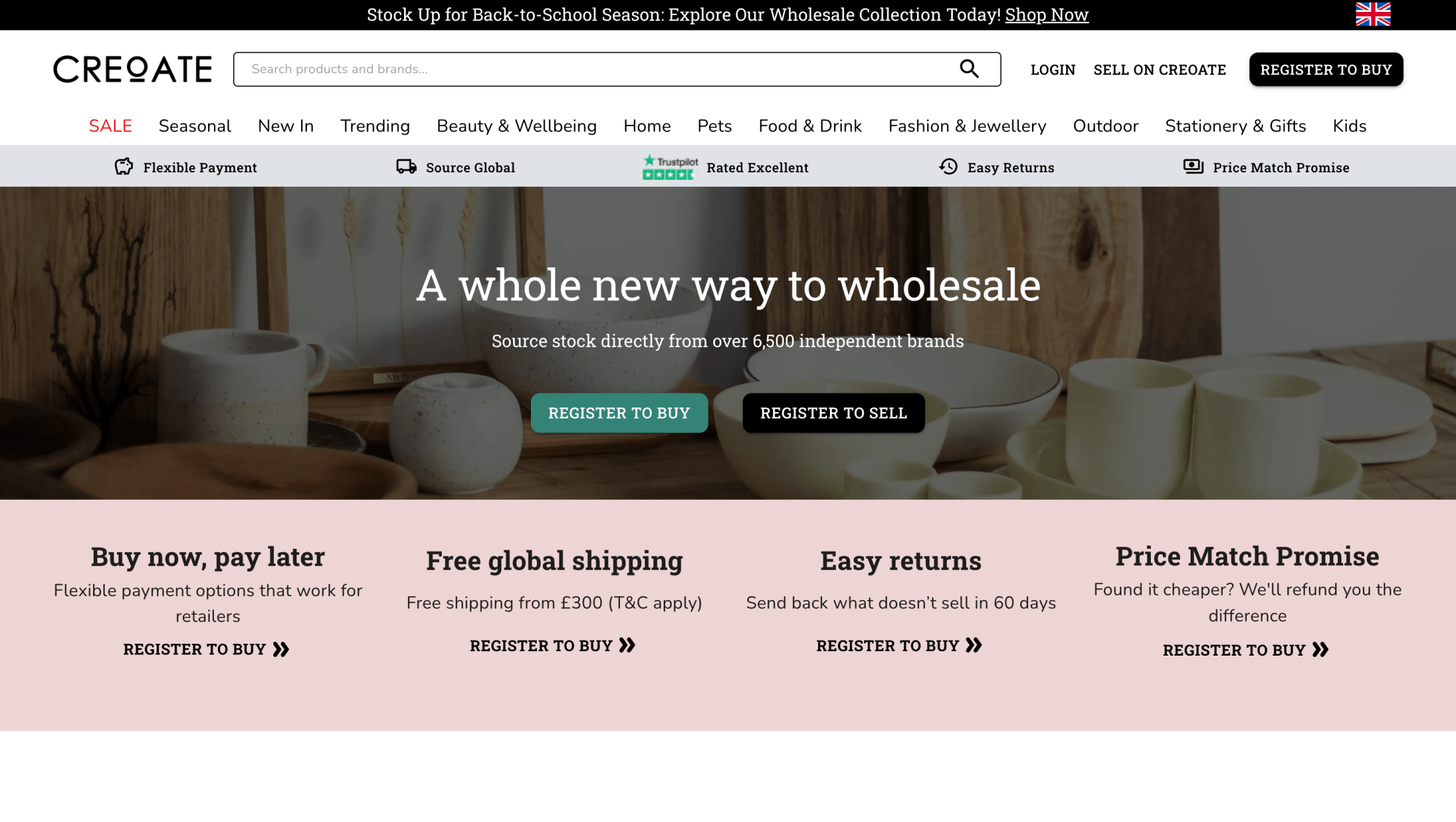
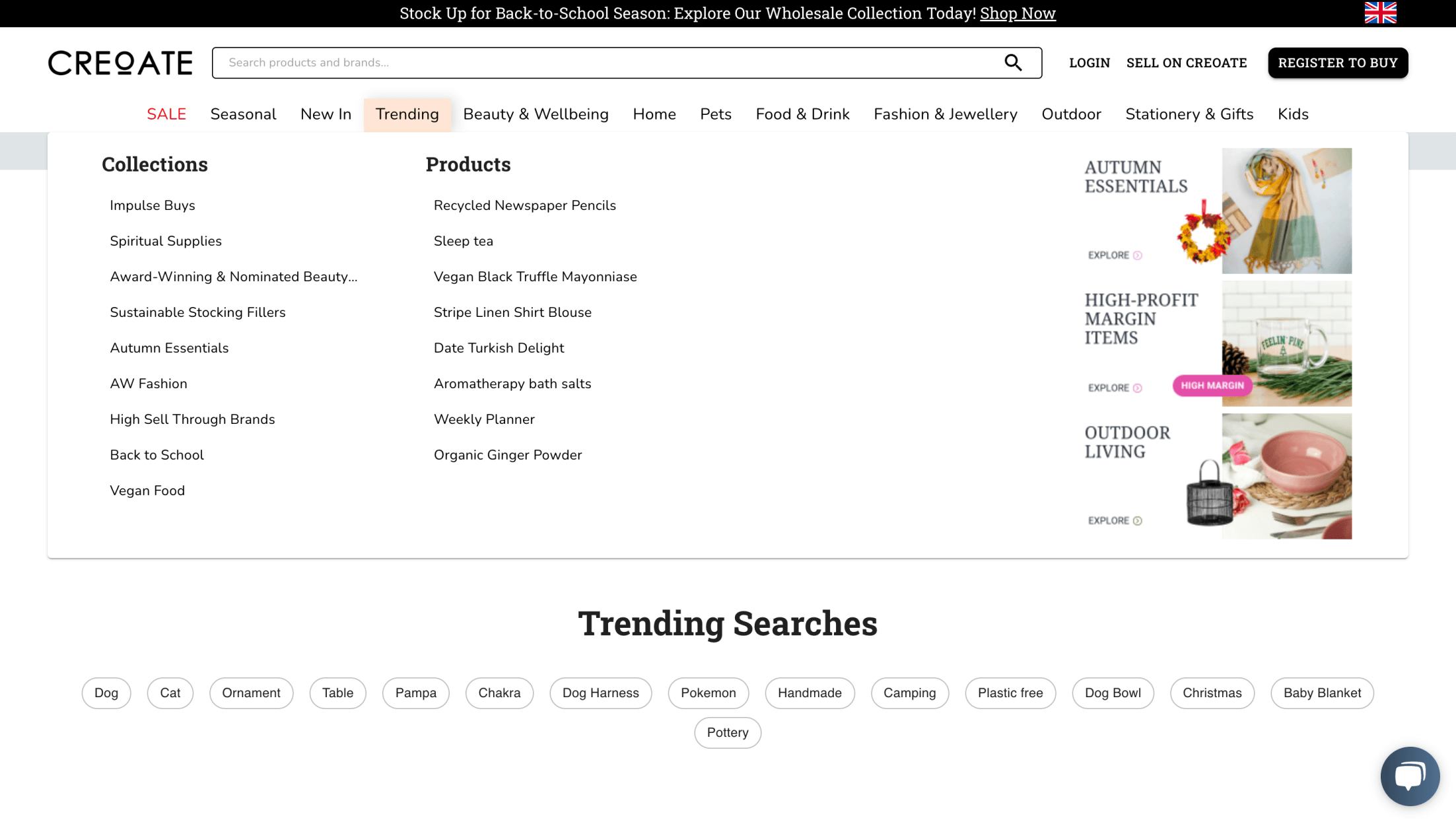
To start selling on Creoate, register your brand on their official website. The registration process requires you to fill in all the required information, including your company name, contact details, and a valid email address. The better and more detailed you fill in all the information, the more effectively Creoate can advertise your products.
Once you have provided all the necessary details, you will have to wait for approval, which usually takes about four weeks. Creoate reviews your application during this period to ensure that your brand meets their criteria. This includes using a corporate email domain, having an active Instagram presence, and running a functional wholesale website.
You will receive a notification once your application has been approved. You must reset your password and log in to your newly created Creoate merchant account. This step marks the beginning of your journey to listing and selling your products on the platform.
After signing in, it's important to set up your account by providing accurate and detailed information about your business, including its history, mission, and product offerings. A well-crafted profile can significantly influence customers' purchasing decisions, making it an important part of your customization process.
To simplify the process of adding products and promoting them on Creoate, we recommend setting up a dedicated feed using Mulwi Shopping Feeds.
This app offers an easy way to manage your product data and ensure that your channel meets all the technical requirements of the Creoate platform.
You can choose between creating a channel file or directly integrating with the platform. Depending on your needs, you can choose a predefined template for marketplace connections or customize the channel using formats such as XML, CSV, or TXT. This flexibility allows you to adapt the channel to specific business requirements.
Personalize your feed. You can customize options such as product categories, demographics, and merchant identification to suit your business needs. Additionally, you can configure export details, including file naming, compression, and connection settings for FTP/SFTP. These options ensure that your product data is exported accurately and efficiently.
Once your feed is set up and ready, you can activate it to start effectively distributing your products on Creoate.