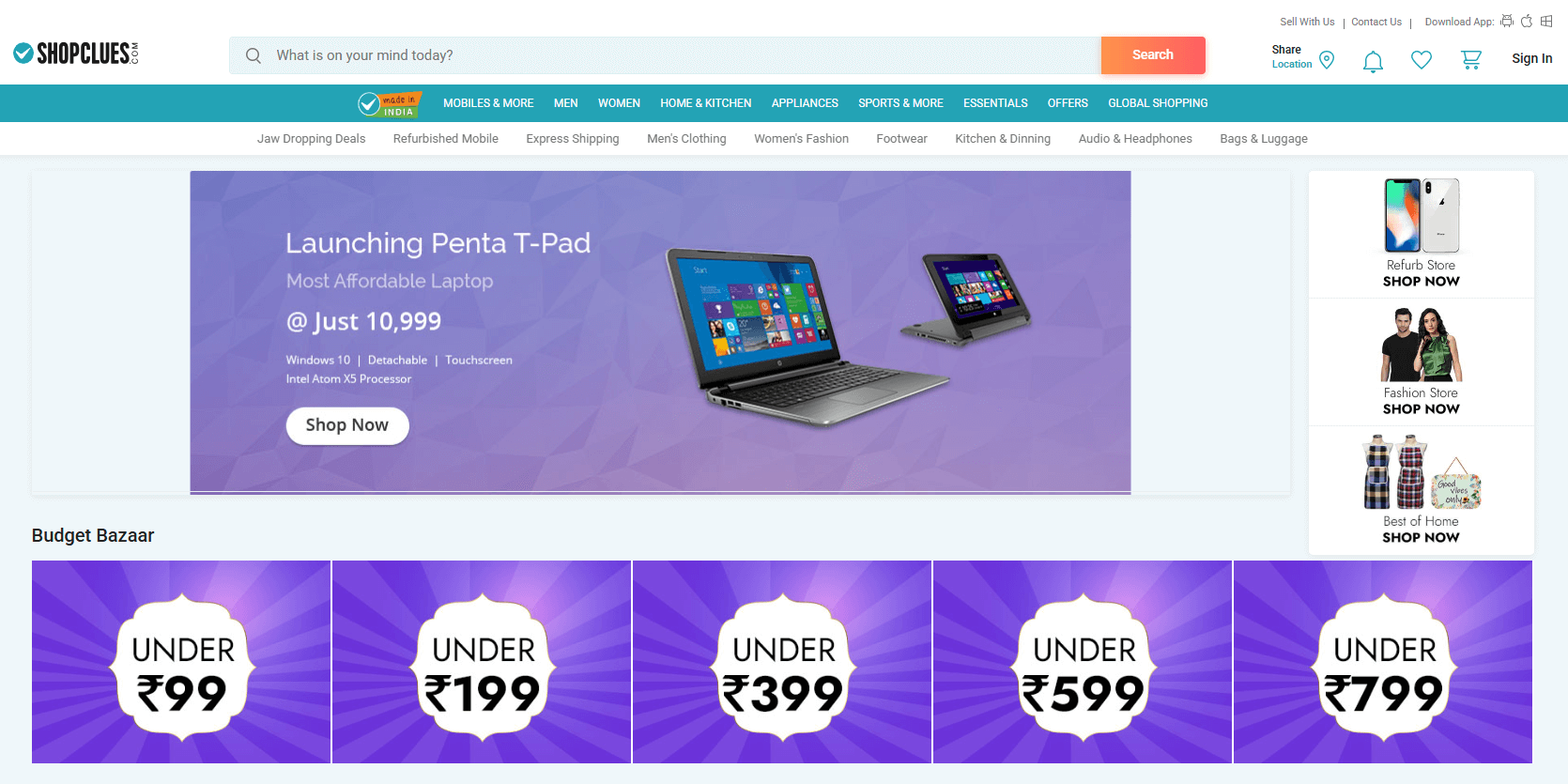
ShopClues is the first and most popular fully managed online marketplace in India. Launched in 2011, ShopClues brings online the real spirit of India’s lively bazaars, with their gigantic assortment and budget-friendly bargains.
ShopClues’ unstructured catalog has over 5 crore (50 million) products from 6 lakh (600 thousand) merchants and covers just about everything, being the biggest of its kind in India.
Shoppers can easily find on ShopClues plenty of usual things in home & kitchen, garden, fashion, electronics, daily utilities, and other countless categories. The platform also has many exotic goods like ayurvedic medicines, religious essentials, and even cow dung cakes.
Sellers benefit from ShopClues’ wide distribution network that services both big metro areas, tier-2 and tier-3 cities, and small suburban towns across India. ShopClues emphasizes breadth of choice, affordability, and regional seller access, making it an attractive platform for all e-commerce merchants.
Every month, about 10 crore (100 million) Indians visit the ShopClues website, and over 5 crore (50 million) more shop from mobile apps.
ShopClues has many unique categories that traditional marketplaces don’t emphasize, offering sellers an opportunity to thrive on variety.
By becoming a merchant on the ShopClues marketplace, you can sell your products to more than 32,500 PIN codes (areas) all over India.
ShopClues charges no sign-up, membership, or listing fees: you only pay a commission on fulfilled orders based on your item’s category.
ShopClues gives sellers a dedicated business expert and detailed insights into customer trends to help increase sales on the platform.
ShopClues Store Manager offers merchants advanced tools for simplifying fulfillment, performance tracking, customer interaction and more.
ShopClues frequently runs many of the country’s favorite online bazaars, such as Wednesday Super Saver Bazaar and Sunday Flea Market.
Sellers can effectively promote their products and boost their visibility everywhere across ShopClues using the platform’s AdZone service.
Starting as a seller on ShopClues is easy. To join ShopClues, head to the ShopClues Store Manager and click "Start Selling". Provide your email and phone number to get an account and follow the super simple seller registration.
You’re eligible to sell products on ShopClues if you have a registered business name, a PAN card and GST Identification Number for tax purposes, a bank account for transactions, and a pickup address for courier deliveries.
After signing up to ShopClues, you should immediately log in to your new store and finish configuring it. Without this, your store will remain unavailable to customers. The initial ShopClues store setup consists of 3 steps: basic settings, upload of products, and approval.
During the first step, you need to specify all your business and banking details, such as your name, contacts, and payment method. You also must read and agree with ShopClues’ service fees and policies.
The second step can be completed in several ways. You can upload listings on ShopClues one-by-one manually if you offer just a few products. But if you have more than 50 items, ShopClues recommends adding them to your store using a CSV file called a product feed.
ShopClues provides product feed templates that you have to fill out yourself. But doing this by hand will take a very long time and lead to errors. You can get a product feed for ShopClues much faster and safer with Mulwi.
At Mulwi, our team can create a compliant ShopClues product feed free of charge. Just send us your template requirements, and we’ll set up a feed for you in no time. After that, all you need to do is download the generated feed from our app and upload it to your ShopClues account with the "Bulk Upload" tool.
Alternatively, you can submit a product feed to ShopClues by sending it to [email protected] and writing your store name in the subject line. The platform’s team will then upload all the products to your store on your behalf.
Finally, at the third step, you request the ShopClues team for a review. After they check everything and activate your store, all your products with an "Active" status will go live on ShopClues, and you will be ready for new customers.