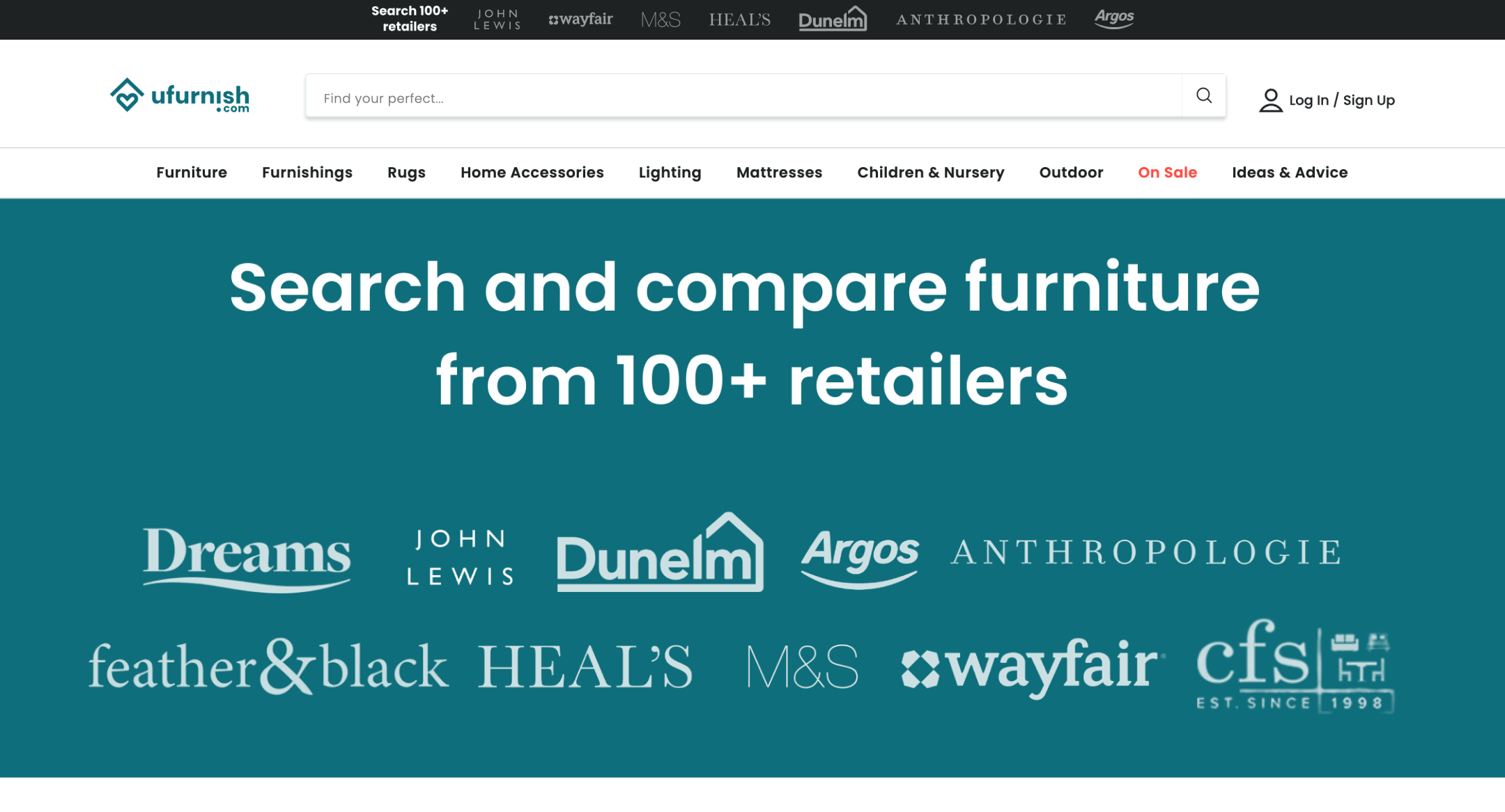


Although 90% of users search for furniture online, the process is very fragmented and takes a lot of time. At the same time, retailers remain mostly unknown. Ufurnish solves this problem: from now on, you will not get lost in the stream of offers. You will be seen, and your goods will be bought.

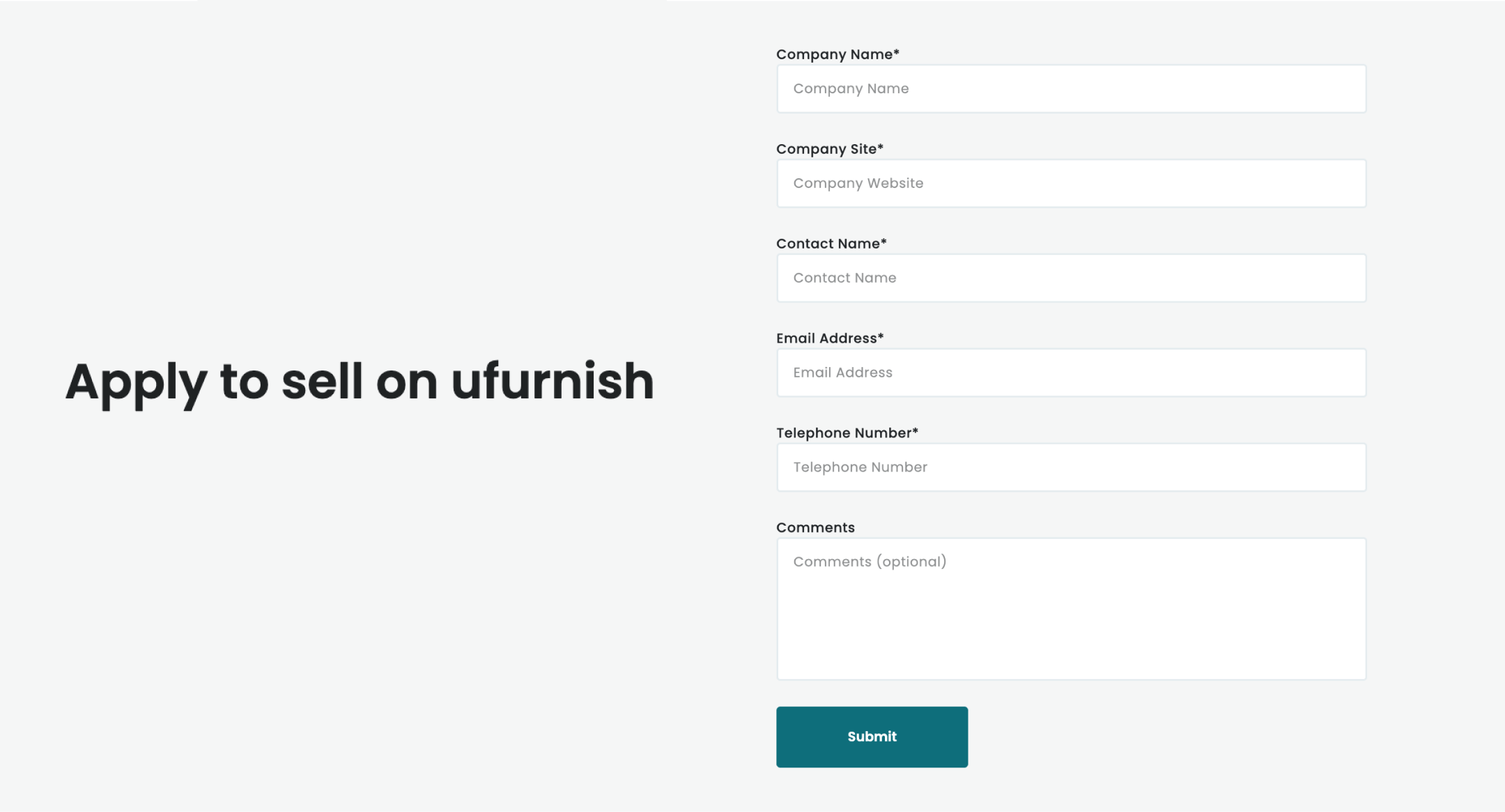
Once Ufurnish approves your request to collaborate, you can start by setting up a feed.
Easily integrate Ufurnish with your Shopify store using the Mulwi app to avoid technical issues.
The Mulwi app is specifically made to generate product feeds in XML, TXT, CSV, or XLSX formats. These feeds automatically include all the important product details (like prices, descriptions, and stock levels) from your Shopify store.
To get started, simply navigate to the Mulwi app in your Shopify admin and create a feed for Ufurnish. For detailed instructions on how to set up a new feed, check out this instruction.
If you need further assistance, feel free to reach out to support, and they'll guide you through the setup process.