


Billiger.de price comparison engine emerged in 2003/2004 when the boom on eCommerce has become obvious.
This marketplace is the most well-known in Germany, and it ranks second in the list of most popular price aggregators in German-speaking countries.
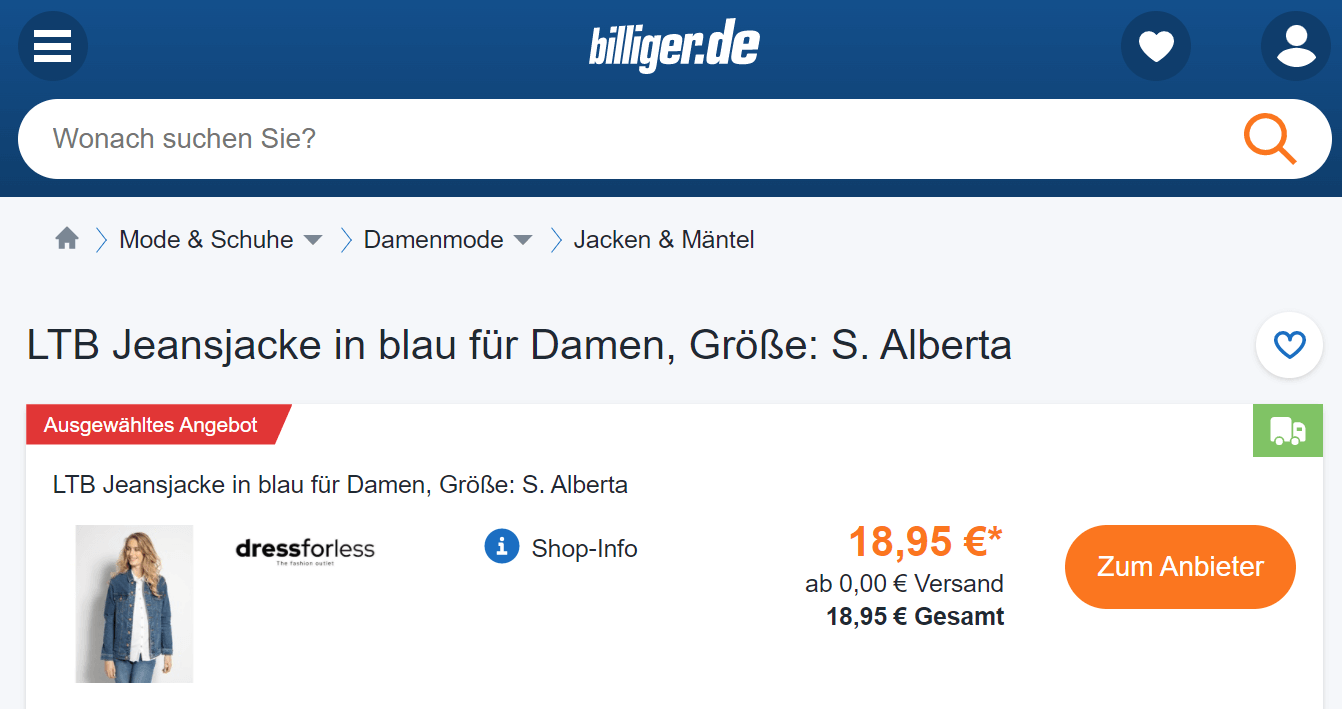

Billiger.de will show your products to thousands of 2.7 million visitors it receives in a month. These potential shoppers will mostly be from Germany (92%), Austria (2%), Switzerland, Latvia, Denmark.
The marketplace offers up to +20% sales thanks to high conversion rates.
This marketplace works old-fashioned way, so you will sign a paper contract with it in order to obtain an account, and then the document should be sent over fax.
You will have to wait for your account request to be approved manually by the Billiger staff.
Having registered on this platform you need to simply generate a feed file with the data on the products you want to promote on Billiger.de, and then submit it into your account.
Products from your store are pushed to Billiger.de through a product feed. It has to exactly meet the marketplace requirements in order to be approved. This may require hours from you to solve complex problems:
Obtain a valid product feed using a dedicated app for generating the feed file.
Obtain a valid product feed in a few clicks using our Shopify app.
The app provides you with the file and an URL to it. So you can upload the feed to Billiger in a most convenient way for you.
Automate most feed technical tasks, including your feed update.
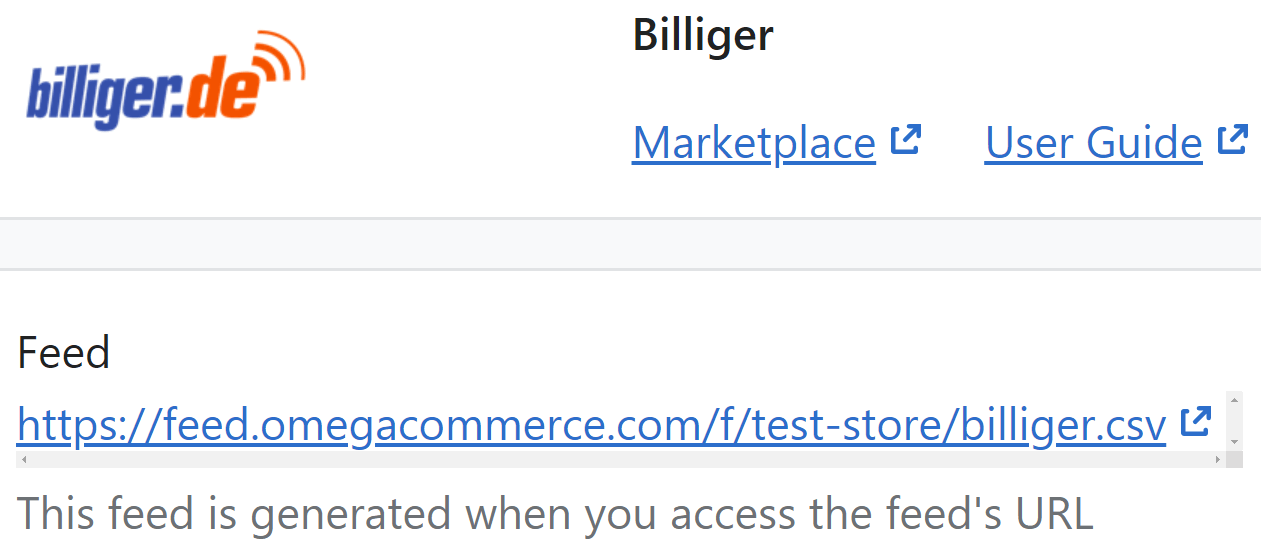
Our app provides you with all the functionality to generate a feed file:
Automatically get a feed with most recent prices, stock statuses, product images, etc. The app tracks changes to the product catalog, and regenerates the feed file instantly.
Apply product filters to fill the feed with items you want to include. For example, you can push products of a specific collection or brand.
A language of the feed can be changed in a second by choosing the one in a built-in translation option. functionality.
Get more than basic feed template offers. Customize the template to include complex logic, liquid filters and variables for selecting custom data fields.