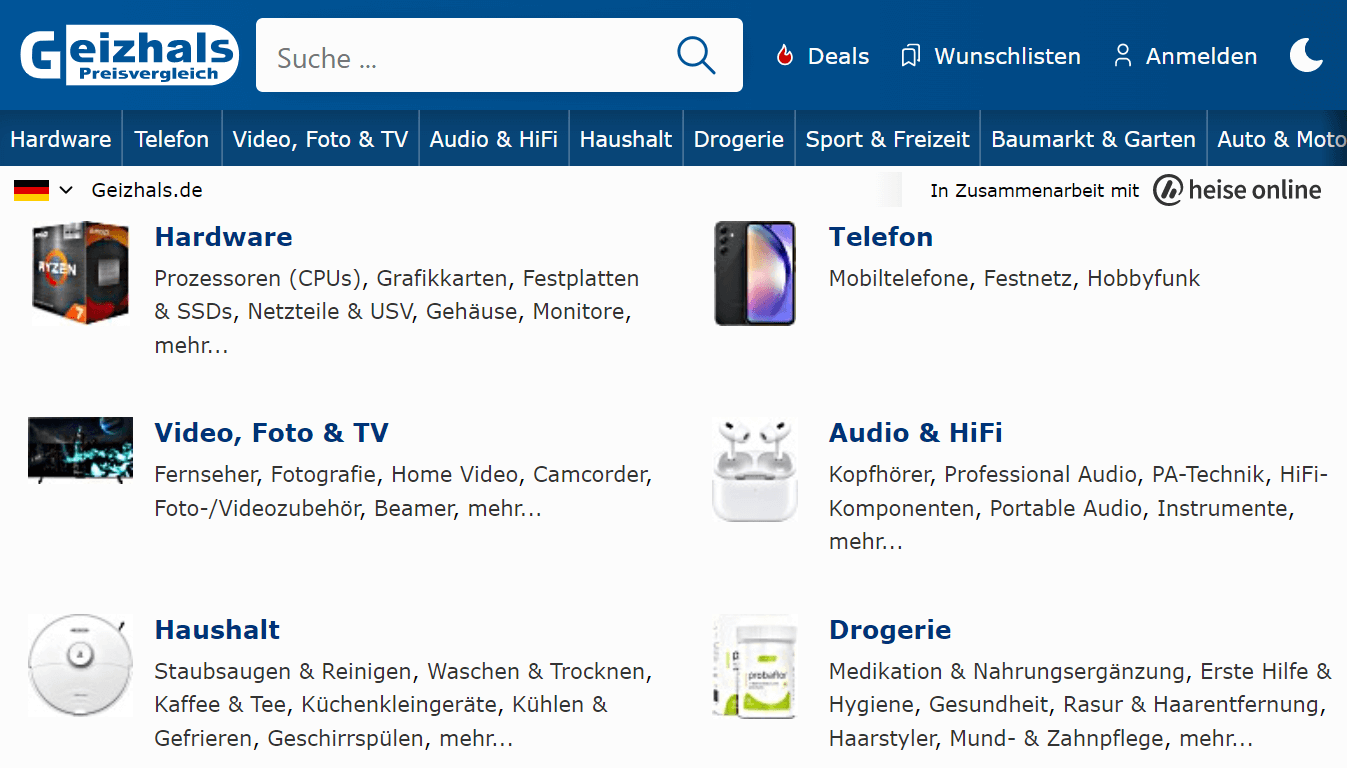
Geizhals is a price comparison website that focuses on electronics, computer hardware, and other consumer goods. It was founded in Austria in 1997 and has since expanded to serve customers throughout Europe
The marketplace has a particular emphasis on German-speaking countries, however it is well known in other European regions.
The platform operates a range of price comparison sites in multiple countries: geizhals.at, geizhals.de, skinny.eu, cenowarka.pl, skinflint.co.uk, tariffs.at. It additionally partners with the well-known computer sites, such as^ hot online, ComputerBase, PCGH, WinFuture, Golem.de
Geizhals allows users to compare prices, features, and specifications of products from various online retailers, making it easier for consumers to find the best deals and make informed purchasing decisions.
In addition to its website, Geizhals also offers mobile apps for both iOS and Android devices.
Being a European Shopify store, utilize Geizhals as a sales channel to reach a broader audience, expand your customer base and boost sales.
Geizhals offers to regional price comparison web sites to sell products in 6 countries. Additionally, your products can be marketed on the web sites the Geizhals is partnered with.
Shopify store owners can benefit from Geizhals, which provides an excellent opportunity to expand their customer base and increase sales. With its vast potential customer base, robust features, and user-friendly interface, Geizhals is an attractive option for those merchants seeking to reach new audiences and grow their business.
To increase the visibility of your store and attract more potential customers, consider listing your products on the Geizhals platform.
Place your products on the Geizhals platform with paying on a CPC basis.
Geizhals team helps in adjusting the product feed to your specific requirements.
Integrate your product catalog with this popular e-commerce channel in the European market to increase the online visibility of your Shopify store and attract more traffic to it.
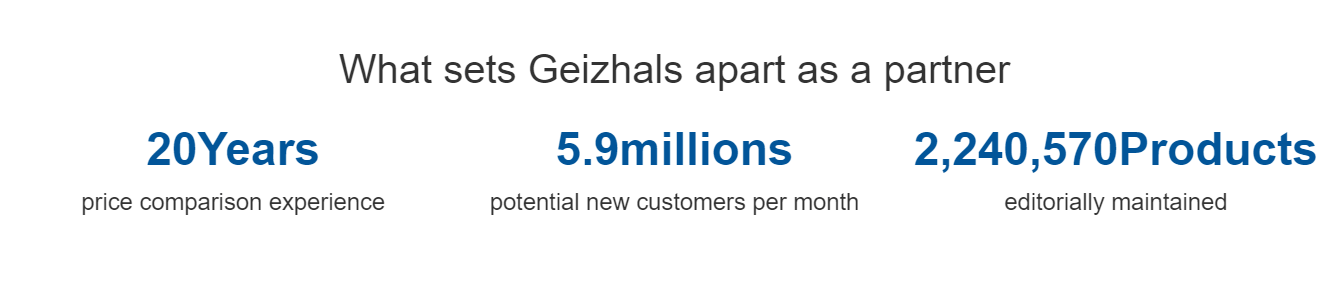
Use Geizhals as a sales channel to reach a wider audience. With millions of monthly visitors, Geizhals provides a great platform for showcasing your product catalog and attracting more qualified traffic to your website. This can help increase online visibility and ultimately lead to business growth.
Contracts with Geizhals are CPC based. This means you pay for each click a customer makes on your product.
You can make the click price lower by allowing Geizhals logo on subpages. Merchants who use Geizhals are charged 0,32 euro if they allow the platform's logo to be displayed, and 0,35 euro with no logo integration.
Start from registering your Shopify store on the Geizhals sign up page for merchants.
To finish the registration process, you have the option to provide a link to your product feed that meets all of Geizhals` requirements.
Geizhals allows product feeds in XML, CSV, and Excel XLSX formats, which can be created using the Mulwi app. It is important to ensure that the product feed columns contain accurate information to avoid errors or incorrect assignments. Choose your preferred format and create a product feed that meets the platform's requirements.
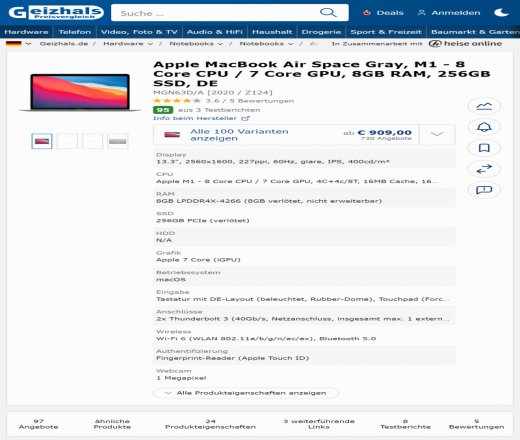
Boost your sales and revenue by promoting your products on Geizhals through a product data feed file. The quality of traffic you get on Geizhals depends on the quality of your product feed. Creating a high-quality input feed is important to increase the probability of generating high-quality traffic and ultimately increasing your sales.
To ensure that Geizhals recognizes your product feed, you need to follow a specific configuration in XML or CSV format that includes mandatory fields for product information. Failure to adhere to the configuration may cause the feed to not be recognized. If you create the feed manually, the process usually takes a few hours and involves the following tasks:
Keep your product catalog up-to-date and increase your sales potential on Geizhals by regularly updating your product feed file whenever you make any changes to your catalog. This ensures that Geizhals has the latest information about your products, helping potential customers to find accurate and current information about your products and ultimately boosting your sales.
To ensure that your product feed file is accepted by Geizhals, it's essential to follow the platform's specific formatting requirements for product information. This may involve examining a lengthy feed manual, which can take a significant amount of time.
To help your customers find your products easily and enhance their discoverability on Geizhals, ensure that you categorize them correctly. Geizhals provides a wide range of categories, and it's essential to select the ones that are most relevant to your products. Utilize the category mapping feature to simplify this task and automate the process.
Use our Shopify app to easily and efficiently create a product feed that is compatible with Geizhals. This app saves time and effort by generating a high-quality data feed that meets Geizhals's standards. By using this app, your products are more likely to be recognized by the platform, which can lead to increased quality traffic and higher sales.
Using the Mulwi app, you can quickly and easily create a Geizhals feed for your Shopify store. The app's user-friendly interface simplifies the process, and all you have to do is navigate to the Shopify apps section of your store's admin panel to get started. Simply click a few buttons, and the app will begin the feed creation process.
Utilize our Shopify software tool to simplify the process of creating a high-quality Geizhals product feed. Our tool takes care of the technical requirements of the platform, allowing you to create a data feed that meets Geizhals's standards with ease. This saves you time and effort, enabling you to quickly generate a high-quality product feed that can boost your sales potential.
To create a Geizhals submission-ready product feed document, you can use our user-friendly Shopify app. Our app simplifies the process of generating a high-quality product feed by handling all the technical requirements for you. With our app, you can also make quick modifications to your feed whenever needed.
Use our application to create a product feed for your Geizhals product catalog submission. After creating the feed, copy the feed's URL and paste it into your Geizhals merchant account to complete the submission process.
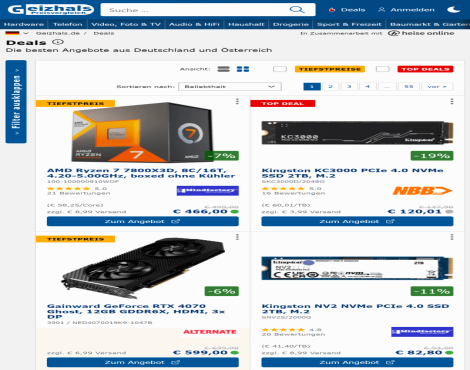
Create a Geizhals-compatible data feed effortlessly by using our Shopify application that meets the platform's technical requirements. Access this user-friendly tool from your Shopify admin panel, and generate a submission-ready data feed with ease. The app includes all the necessary features, such as:

To automate the update process of your Geizhals product feed, you can use the Mulwi app. This app exports all your product information, including pricing, stock statuses, and product photos, and updates your feed automatically. This ensures that your feed is always up-to-date and accurate without requiring manual updates. With the app, any new products added to your store will be automatically included in the feed.
Utilize our app's translation feature to expand your product feed's reach to a broader audience. You can choose from three translation options, namely Google Translate, Weglot, or Shopify translation app. This built-in feature allows you to convert your product feed into any language of your preference, making it easier for customers who speak different languages to understand your products.
Tailor your Geizhals product feed to suit your business needs by customizing the feed template using Shopify liquid filters and variables. Adjust the feed template directly in your admin panel and include all the necessary product information that's unique to your business. Add your own data fields to the feed when necessary with Shopify liquid filters and variables. This feature offers you the flexibility to personalize the feed to your specific requirements.
Simplify and automate the process of matching your Shopify store categories with Geizhals product taxonomy by using our Category mapping functionality. This tool enables you to match your Shopify categories with the relevant Geizhals categories effortlessly.
Our app provides a reliable hosting service for your Geizhals product feed, ensuring that it is always accessible to the platform. All feeds created using our software tool come with this service, providing a dependable and trustworthy solution.