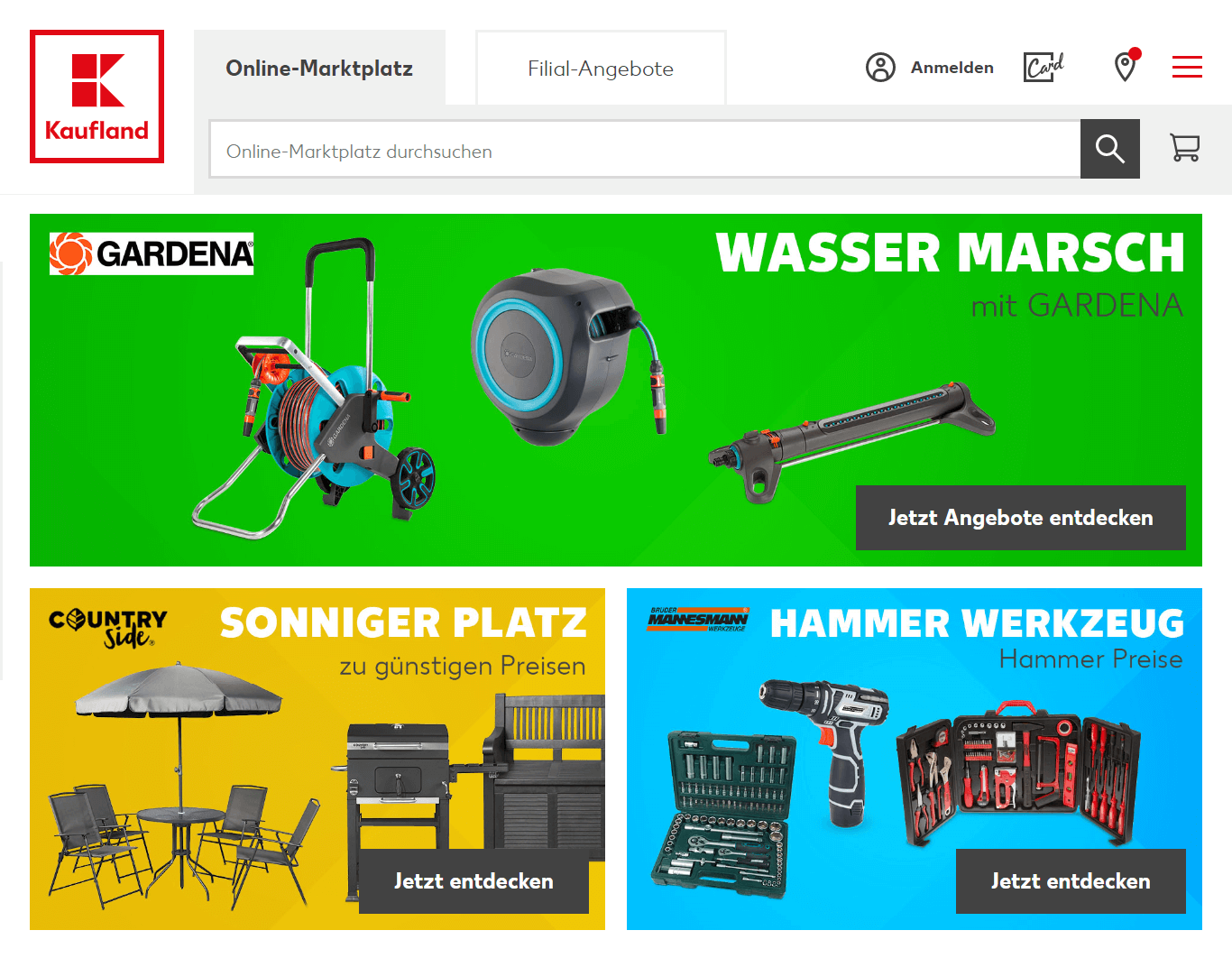
Kaufland is a German-based supermarket chain that operates in several countries in Europe. It was founded in 1984 and currently offers classic brick and mortar stores as well as online marketplace.
Shoppers from Germany, Bulgaria, Czech, Croatia, Poland, Moldova, Romania, and Slovenia can buy online on Kaufland
Kaufland offers a wide range of products, including food and beverages, household items, electronics, and clothing.
The company has a strong commitment to sustainability, with initiatives focused on reducing food waste, promoting responsible sourcing, and improving energy efficiency in its stores.
This marketplace currently offers over 45 million products from over 9000 merchants. Shoppers can browse Kaufland catalog on their smartphones via a dedicated Kaufland app for Android and iOS.
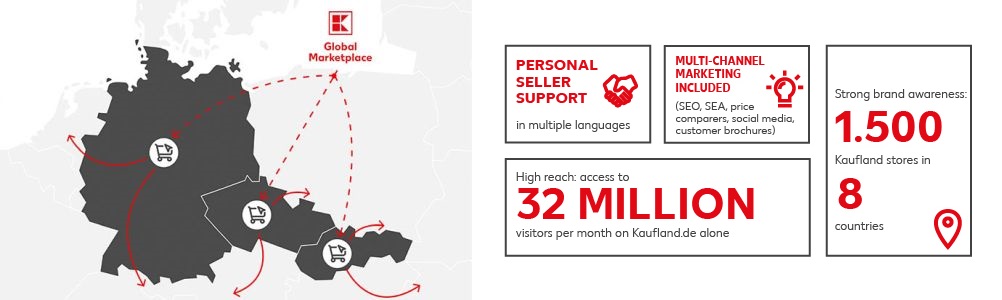
More than 9 000 retailers are already selling with Kaufland Global Marketplace. They offer more than 45 million items in over 5 000 categories. Their products are viewed by 32 million visitors every month.
Get more sales for your store by placing your products on the Kaufland marketplace.
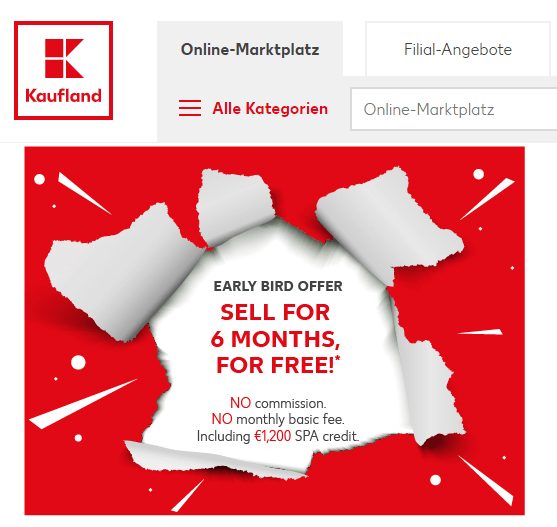
New merchants can get a discount of up to 200 euro per month for the first six months (up to 1 200 euro in total).
Push your catalog to Kaufland via any of 70 supported software interfaces, including rest API, and CSV feed.
Kaufland Global Marketplace provides a one-stop solution for online retailers to sell their products domestically and internationally through a single registration.
The platform's multi-marketplace technology allows for the easy management of product data, orders, and offers from a single portal. This includes access to three different marketplaces, free product data translation, payment processing in local currencies, and multi-channel marketing.
Additionally, the platform offers personal dealer support, sponsored product ads, and first-level customer support in local languages.
Boost your sales by effortlessly promoting your product portfolio on the Kaufland marketplace using a product feed that contains complete product information.
Improve your sales and profitability on Kaufland by using a product datafeed file to promote your product catalog. A high-quality product feed directly impacts the quality of traffic produced from Kaufland. Thus, ensure to provide a great input feed to increase your chances of generating high-quality traffic and boost your sales.
To create a high-quality feed that is recognized by this ecommerce platform, it is important to follow a specific configuration that includes mandatory fields for product information. Failure to do so may result in the platform not recognizing the feed. This process typically takes several hours and involves tasks such as:
To keep your product catalog up-to-date on Kaufland, it's important to regularly update your feed whenever there are changes to your product catalog. Kaufland will wait for the updated feed to reflect these changes.
To ensure the feed file is recognized by Kaufland, it is important to format the information in accordance with their requirements.
To ensure your products are discoverable on Kaufland, it's important to list them in the appropriate product categories. Kaufland offers hundreds of available categories, so be sure to choose the ones that best fit your products.
Save time and effort by producing a viable product feed with ease using our app. Our app generates a high-quality data feed that meets all of Kaufland's criteria.
Produce a Kaufland Shopify feed effortlessly with our user-friendly Mulwi application. Get started with just a few clicks!
Our software tool simplifies the process of creating a Kaufland product feed by handling most of the technicalities that must be met.
With a user-friendly interface and the ability to modify feeds quickly, you can easily create a complete and submission-ready datafeed document.
All you need to do is copy the feed URL and paste it into your Kaufland merchant account. Our application also takes care of automated updates for any changes in the product catalog, so you don't have to worry about constantly updating the feed manually.
With our Shopify software, you can easily generate a complete and high-quality datafeed for Kaufland. Our tool is equipped with all the necessary features to ensure that you have a fully-functional datafeed, such as:

You don't have to worry about manually updating your product feed. Our tool automatically exports your products to the feed file, ensuring that the latest information, such as pricing, stock statuses, and product photos, is included. The feed is constantly updated, with new products added immediately.
Use our built-in translation feature to get your product feed in your preferred language.
Customize the feed within the app interface to meet your business requirements on Kaufland. With the help of Shopify liquid filters and variables, you can add your own data fields to the feed.
Easily map your store's categories to the Kaufland product taxonomy. Our tool simplifies the process of mapping Shopify categories to Kaufland categories.
You can rely on our software to host your product feed, ensuring that it is always accessible to Kaufland. We provide a reliable hosting service for all feeds created through our program.