OnBuy is a newcomer in the marketplace business - it was launched in 2016 with headquarters in Dorset.
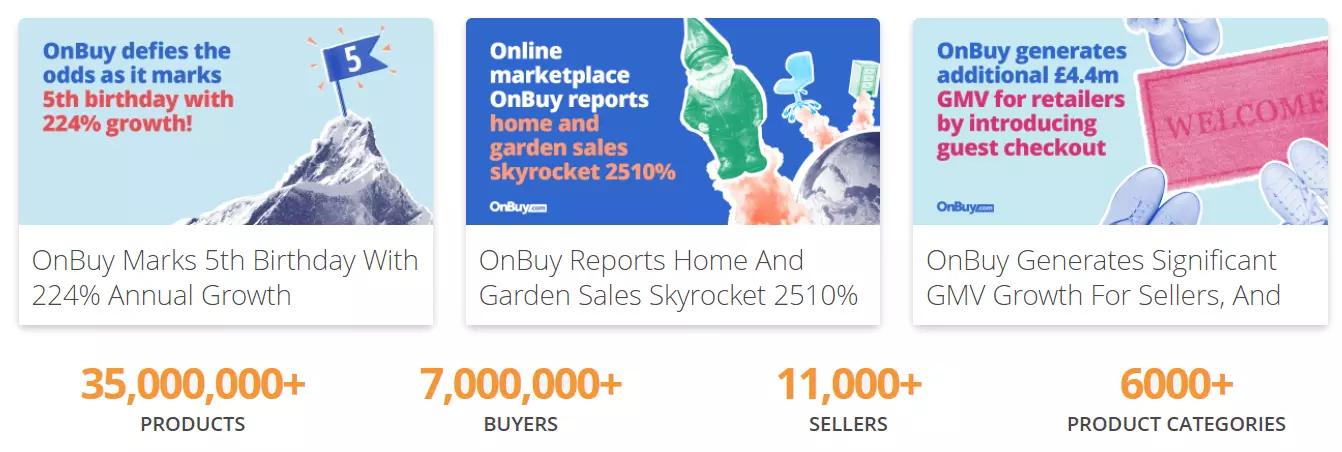
Despite the relatively young age OnBuy has already become a popular shopping place for millions of customers. It is visited by 4.8 million shoppers monthly.
The OnBuy marketplace is a web platform that connects shoppers with sellers. It does not sell products directly.
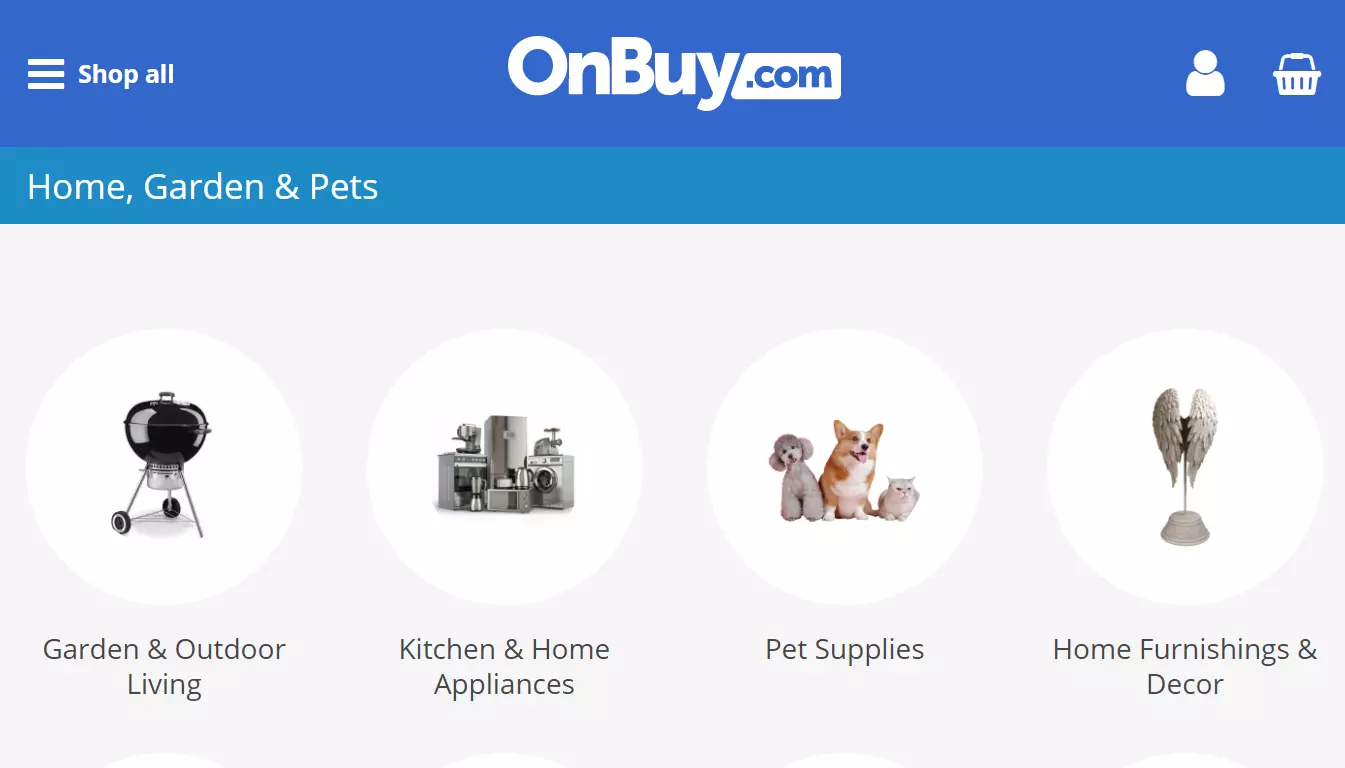
Its product catalog consists of 35 million products mainly in home, garden & pets, electronics & technology, health & beauty, tools & DIY, toys & games categories.
The OnBuy audience is highly interested in buying: on average every visitor looks at 2.78 product pages. Its audience is 63.37% male and 36.63% female.
Currently OnBuy sees a significant sales growth. For example, sales of home and garden products skyrocket 2510% in the last three years.
OnBuy offers its visitors a service for finding best product offers from hundreds of merchants in one place. Since it does not make direct sales, additionally to new shoppers you get an opportunity to raise your brand awareness.
Expanding the audience of your store is easily done when you have a product feed file. You have to simply upload this datafeed to promote your product catalog on OnBuy.
OnBuy charges smaller fees so merchants could offer lower prices and maximize sales. The fees are: sales (5-9%), payment (1.9-2.9%), account subscription £19.00/month.
Stores that sell unique items can apply to OnBuy Brand Ownership feature to restrict other stores selling these products.
Joining OnBuy takes several simple steps. All you need to do is to establish a merchant profile, confirm your account by email, and enter your store's information. You will then receive approval within several business days.
Your items will be freely featured on OnBuy with no limits on the number of products. You pay a commission for each sale, and a monthly subscription fee.
Create a product datafeed that is automatically updated and use it to offer your goods on OnBuy web-site.
With the product feed file, you may begin marketing your items on OnBuy. Create a product feed that completely adheres to OnBuy's specifications in order for it to be approved by this marketplace. Creating a feed file manually might take hours to achieve tasks like:
Sort mandatory and essential product attributes for each product category.
Your feed should include only products immediately available for shipping and delivered in three days. OnBuy accepts only such in-stock products.
OnBuy fetches the feed over HTTP. You need to make sure that the feed's data source URL is constant.
Generate a fully prepared product feed for OnBuy in a Shopify store admin panel.
Using our Shopify app, you can get a high-quality product feed.
Our software instrument for your Shopify store handles two major duties for the feed. First and foremost, it displays your products as indicated by OnBuy. Second, you can configure the feed data precisely to meet your business needs.
The Shopify program will generate a feed for any store in a matter of seconds, even if the product list has thousands of items.
The software handles the process of hosting feed files. You will be given a URL, which you should simply copy and paste into your OnBuy account.
Create a unique, high-quality feed to attract more customers and increase sales.
Our application provides you with all of the resources you need to obtain a viable feed:

Automatically receive a feed containing all the latest changes to the product catalog. Your feed will always include new products, current prices, inventory levels, product images, and more.
Use the product filters provided by our app to add only the products you want to promote on OnBuy. It can be, for example, a specific collection or brand.
Provide product descriptions in a different language. Use the app's built-in translation feature.
You have the option to alter your feed if you want the best results. Create your own feed by altering the provided template. Use complex logic, liquid filters, and variables for presenting product data as you need.