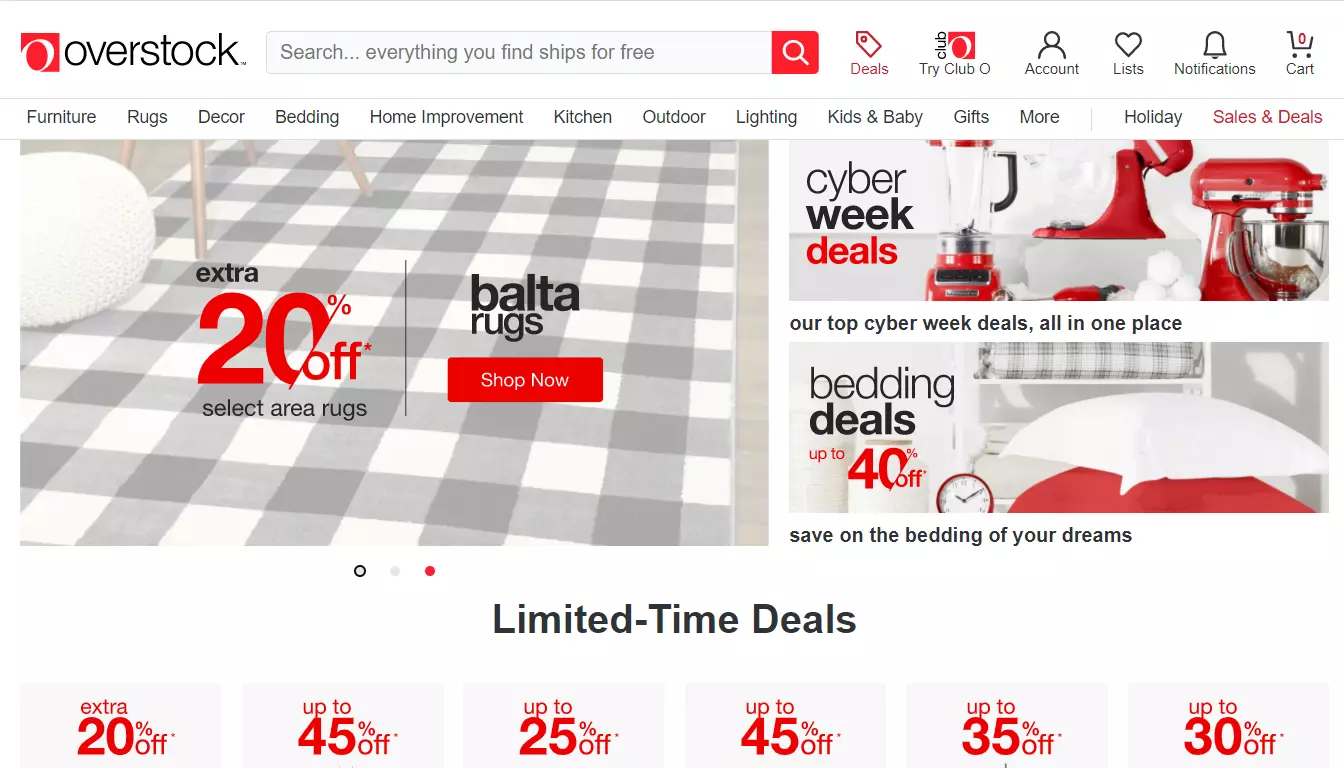
Overstock.com is designed as an online place for selling home appliances. Its catalog includes products from furniture, decor, rugs, bedding, kitchen appliances, bath and other product categories.
This online marketplace is based in Salt Lake City, USA. It was founded in 1999.
The name Overstock was chosen due to the initial work approach of this marketplace. It was a place to sell overstock the sellers had, and the returned goods.
Lately this marketplace expanded its business on selling of products manufactured or purchased specifically for Overstock.com.
The key Overstock.com features customers love is the free shipping on every item available. That is in addition to the lowest prices online.
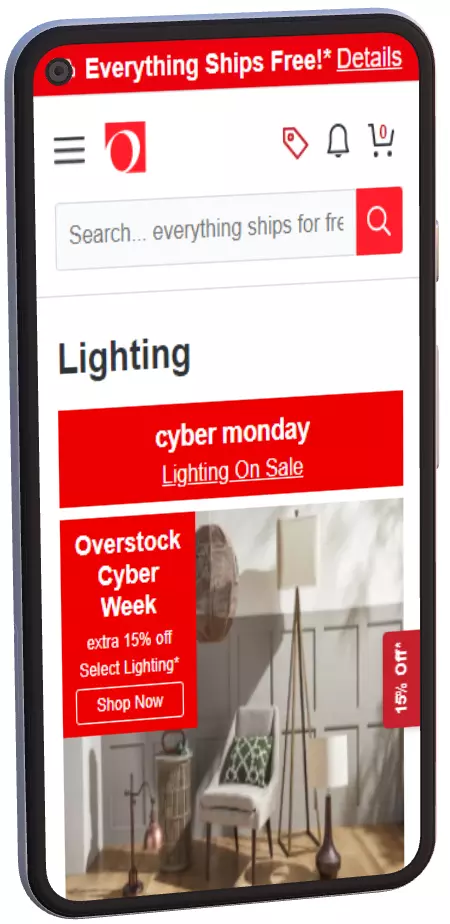
Overstock.com offers its visitors a service for tracking home furniture and appliances with lowest prices. It sells directly, but helps merchants to grow their sales. Use a product feed file to present your products on this online selling platform.

Selling on Overstock brings your products in front of millions of new potential customers every month.
Overstock Pro allows you to expand to corporate clients in addition to regular shoppers.
Joining Overstock.com is a simple process with several steps. At first you will need to fill the Overstock survey form. It will disclose the information on your business and your product assortment, pricing.
You will have to wait several weeks for a response from Overstock. After you will be contacted, you will have to set up an account on this platform.
Once your account is filled with the required information you can use a product feed file to provide data on the products you want to sell on this platform.
Create an automatically updated product feed and use it to introduce your products to Overstock.com users.
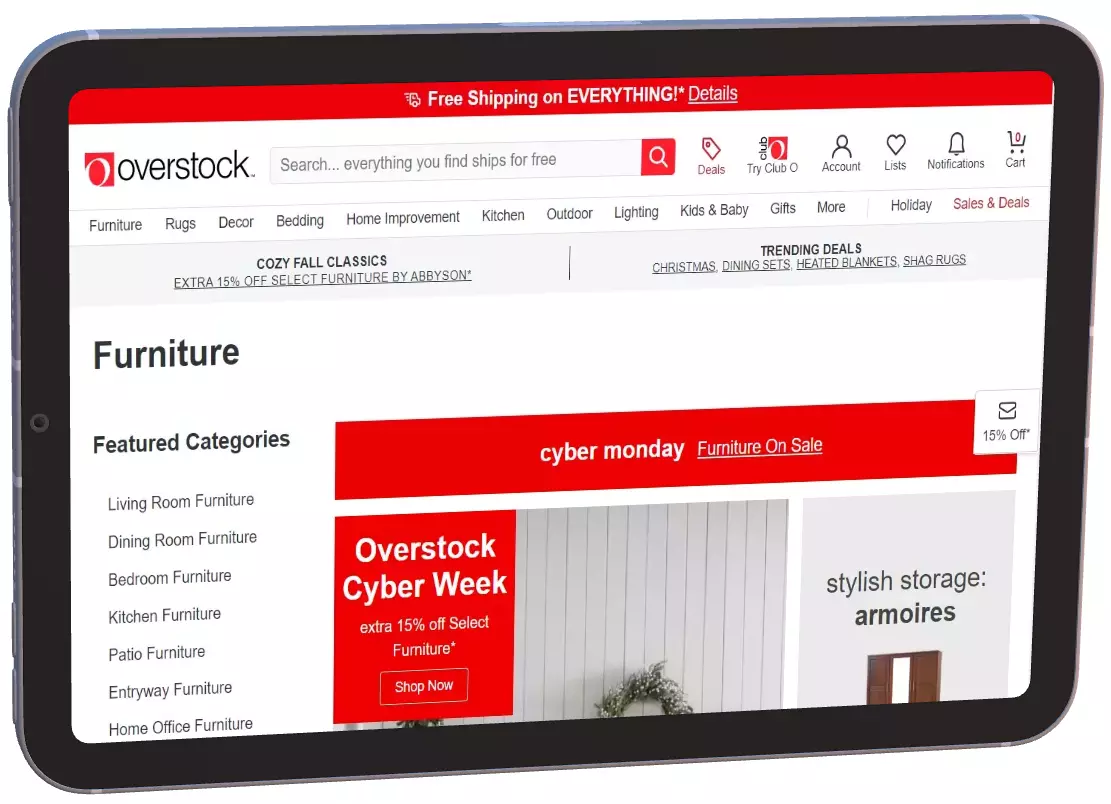
Start selling your products on Overstock.com by generating a product feed file. You can easily get a feed that fully complies with Overstock's specification for it to be accepted by the network. Manually creating a feed file can take hours to complete tasks such as:
Sort mandatory and essential product attributes for each product category.
Your feed should include only products immediately available for shipping.
You need to make sure that the feed's data source is constant and available.
Generate a fully prepared product feed for Overstock.com in a Shopify store admin panel.
Get a high-quality product feed using our Shopify app.
Our software instrument addresses two principal tasks for the feed. First - it presents your things as determined by Overstock. Second - you can set up the feed data precisely as business interests require.
The application will make a feed for any store in a moment, in any event, for an catalog with huge number of items.
The software handles the problem of hosting feed files. You receive a URL that should be easily pasted into your Overstock account.
Create a unique, high-quality feed to draw more customers and boost revenue.
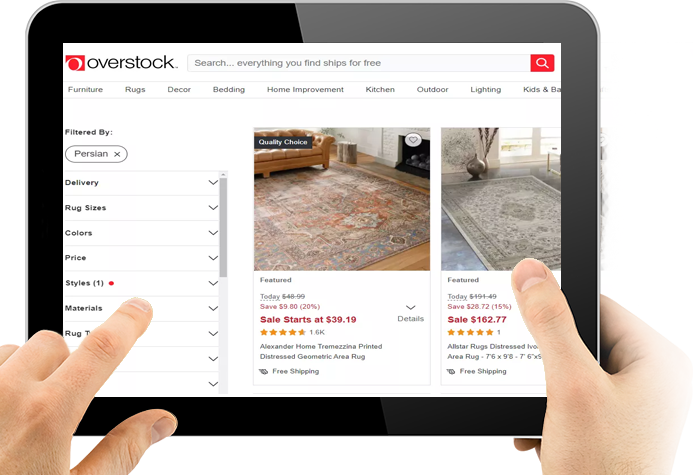
Use our application to get all the resources you need to get a usable feed:

Get a feed that automatically includes all current modifications to your product catalog. New products, current prices, stock levels, product photos, will always be available in your feed.
Use the settings in our app to only include the goods you wish to advertise on Overstock.com. You may include to the feed particular brands or collection, for instance.
Provide translated product descriptions. Utilize the translation features built into the app.
For the best outcomes, you are free to adjust your feed. Create a unique feed by making changes to the predefined template. Use complex logic, liquid filters, and variables for presenting product data as you need.