
PriceMe is a price comparison platform that is aimed primarily on customers in Asian and Australian regions. In addition to its main website the platform has localized web portals for each country it operates in.
Push your products to PriceMe if you want to get additional orders from Australia, New Zealand, Philippines, Malaysia, Singapore, Thailand, Vietnam.
The key feature of PriceMe for customers is an ability to get information like price and reviews on multiple products in one place. This makes comparing products and finding the best one much easier. Additionally, customers get price alerts to research products quickly.
The key PriceMe feature for merchants is a pay-for-performance work model. Sellers pay for clicks customers make on their products.
Additionally, shop owners get more potential shoppers from partnerships the PriceMe provides with major websites.
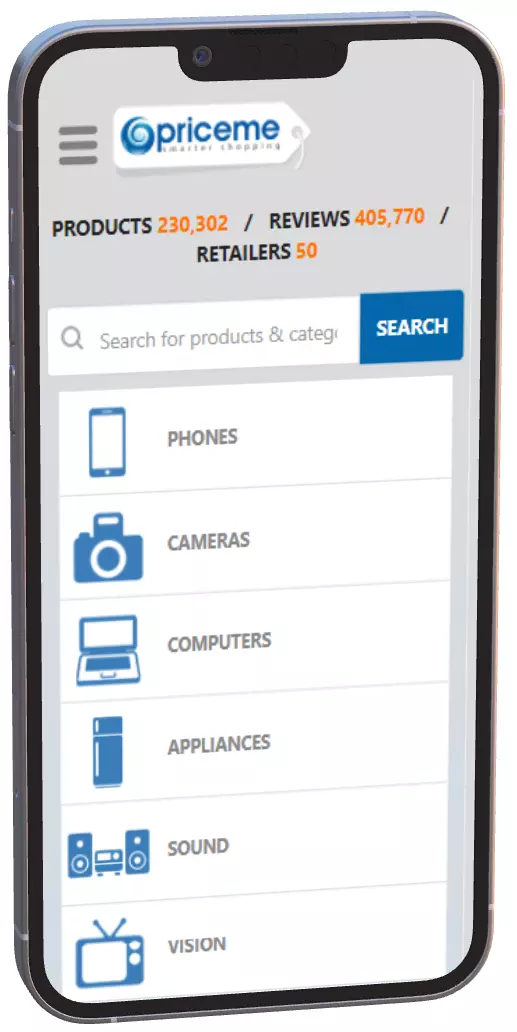
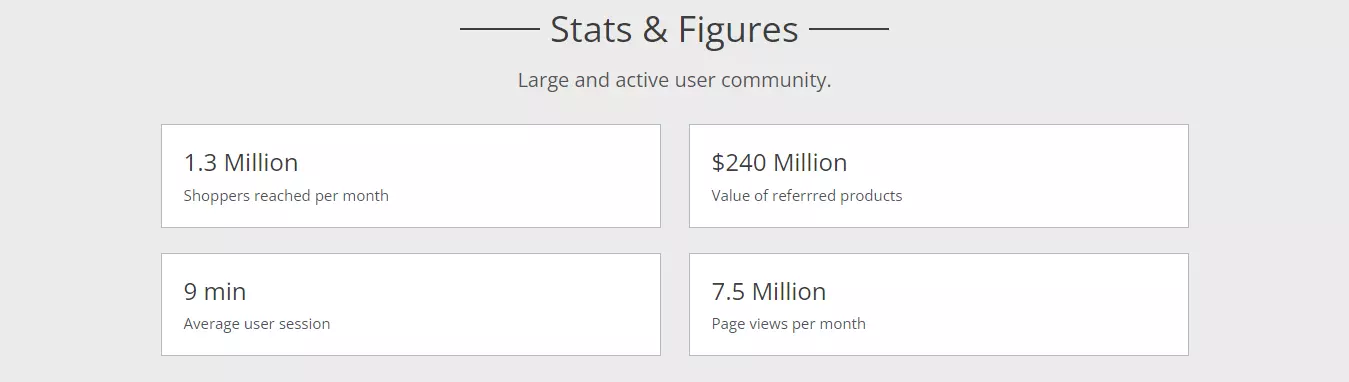
PriceMe claims it supplies sellers with highly educated leads, which results in higher conversion rates than other online marketing channels.
Verify this claim by yourself and get additional sales by serving your products on the PriceMe shopping portal. There is no start-up or cancellation fees to get started. Simply generate a product feed to get additional revenue.
Merchants on PriceMe work via a simple pay-per-click model.
Your products will be promoted on PriceMe partner sites.
Placing your products on PriceMe is simple - just contact the marketplace via the form. The PriceMe marketing department will then give you detailed instructions on how you can join the platform.
Basically all you need is to create an account on PriceMe Merchant Portal. Then upload your product catalog via the product feed file. This file can be in CSV or XML format.
PriceMe supports popular feed styles, so there is a high chance you can reuse your existing product feed you have prepared for another marketplace.
As a merchant, you will have to provide all important data on products you want to promote.
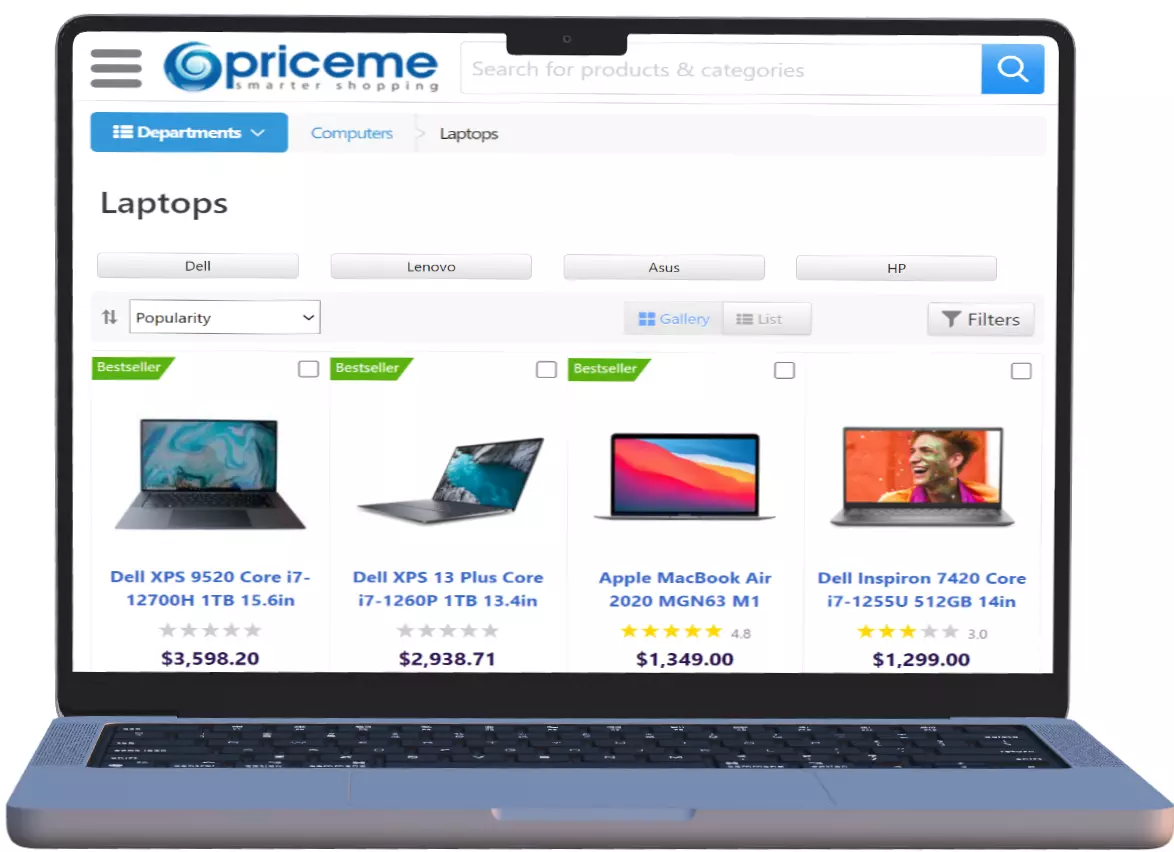
Display the products to the audience who wants to buy them by generating a correct product feed. This feed will help PriceMe to place your products into respective product categories. You have to ensure your product listing incorporates recent and detailed information on each of your products.
Save yourself a lot of time and generate an error-free product feed. Use the app that will take care of such feed-related tasks as:
PriceMe requires fresh product information. You may spend a lot of time manually updating the feed.
You will have to host the feed in a way the PriceMe can fetch it. Our app hosts the feed.
PriceMe recommends to specify shipping and stock levels in the feed file
Utilize a user-friendly feed generator app to save time. Generate the feed within a Shopify store admin panel.
A totally viable feed file for your Shopify store can be created with the help of our application. Save yourself time and omit diving into specific nuances of the PriceMe feed with an app by Mulwi.
Use our Shopify app to get a higher-quality product feed, which attracts more customers.
All you have to do is to push the feed into your PriceMe merchant account. Our application deals with most feed-related technical issues, including automated updates.
Generate a feed in a moment, even if your catalog contains thousands of products.
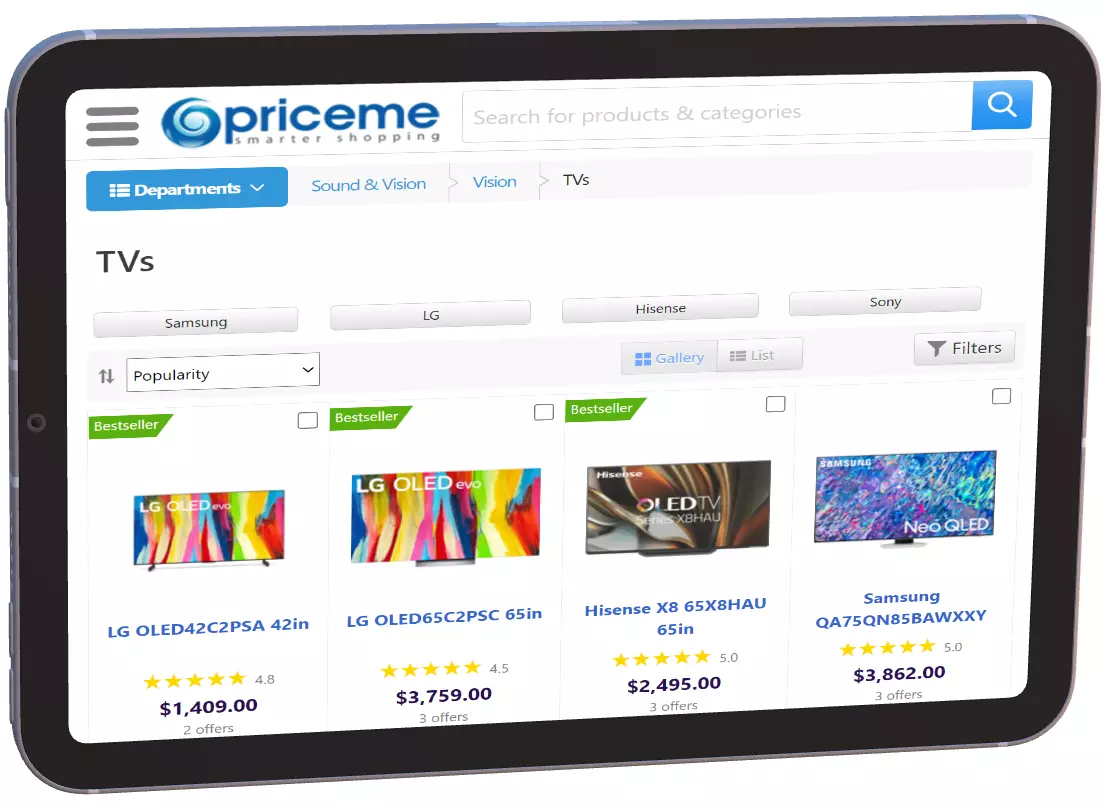
Our application outfits you with everything you may need to generate a feed you want:

Any product change is automatically updated in the PriceMe feed. Create and import new products from Shopify to the feed easily.
Apply product filters to fill the feed with items you want to include. For example, you can push products of a specific collection or brand.
You can change the language in the feed in a second by choosing the one in a built-in translation option. functionality.
Make an individual high-quality feed from a default template. Customize it to include complex logic, liquid filters, and variables for selecting custom data fields.