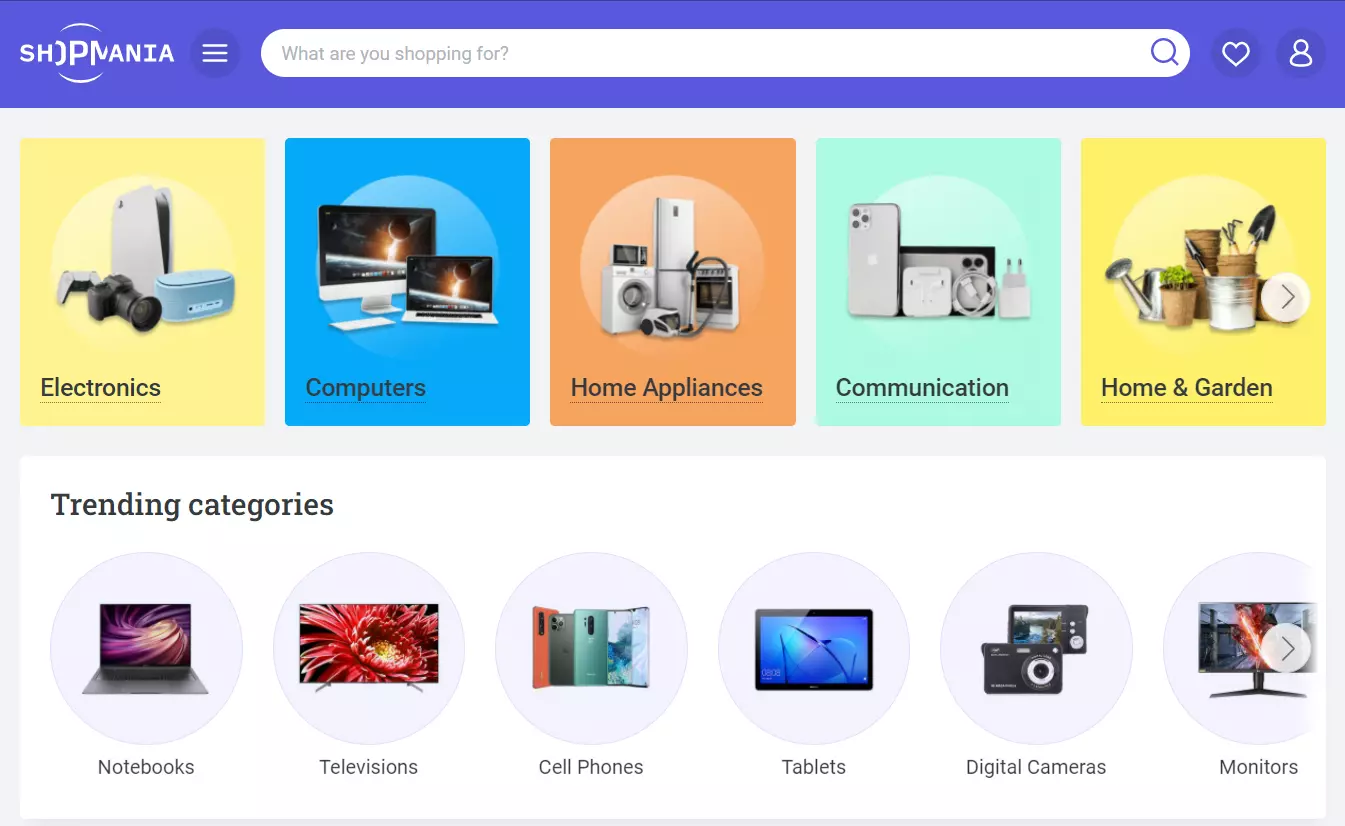
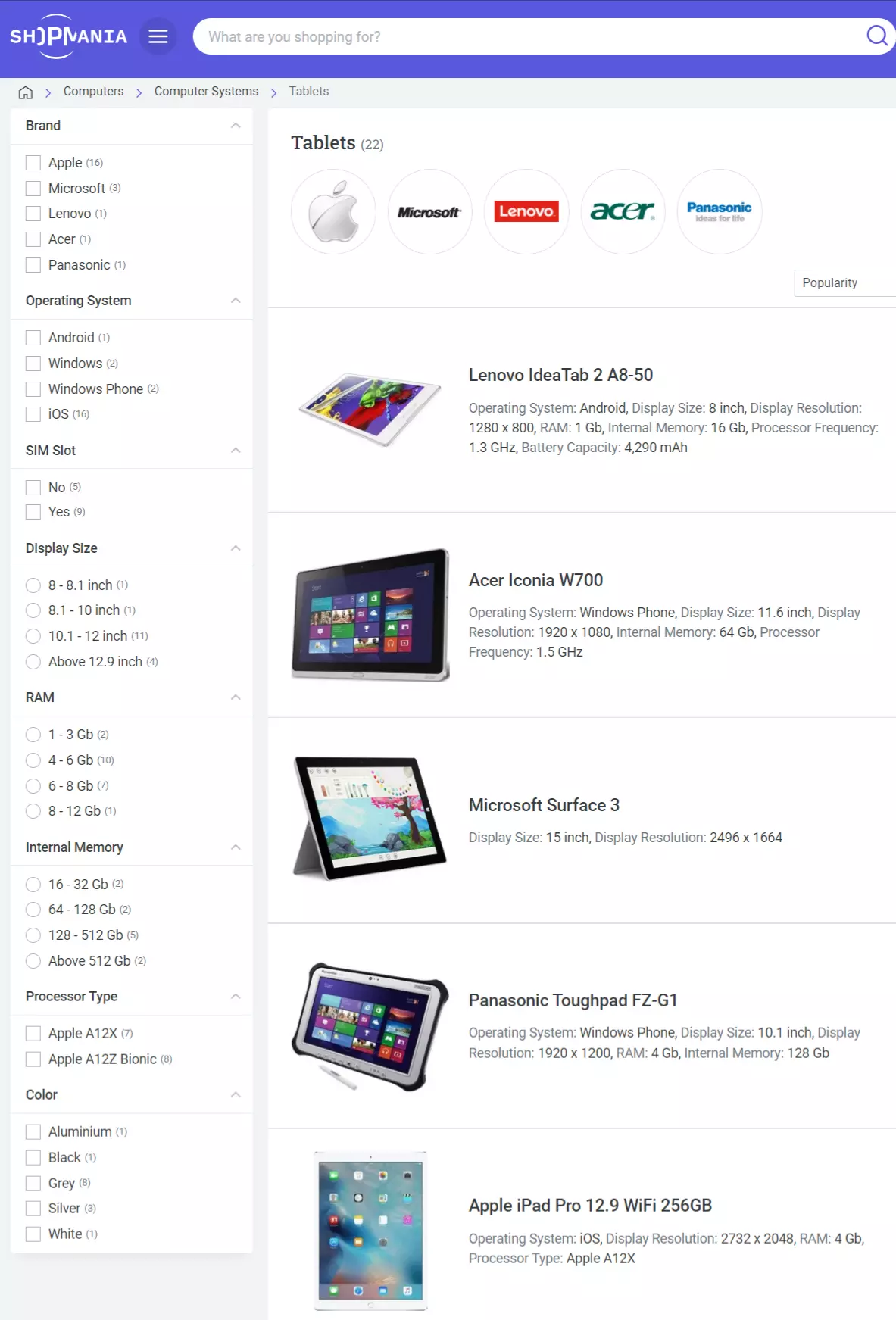
ShopMania.com is not an online store and it does not sell any consumer products or services under its brand. This marketplace is a tool that connects online shoppers to merchants of all sizes and types.
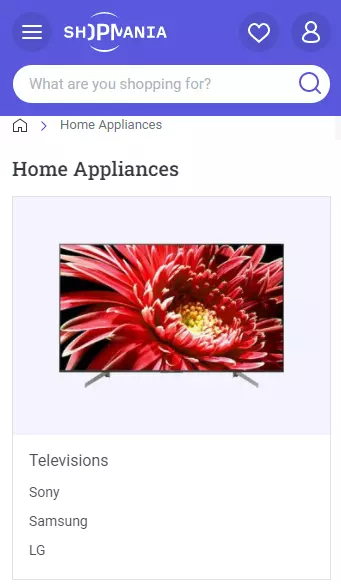
The shopmania.com marketplace sells mainly in consumer electronics, such as Electronics, Computers, Communication. However, goods from other categories are available: Home Appliances, Home & Garden, Health & Beauty, Clothing & Accessories, Sportswear, Baby & Kids, Food & Beverages, Books, Gifts
For millions of customers ShopMania is a great place to start when they are looking to buy consumer goods. This marketplace offers shoppers with products from dozens of merchants, giving customers the ability to find the best offers.
Merchants who partner with ShopMania can instantly get a large audience of potential new customers. Products from your Shopify store will be exposed to millions of visitors globally.
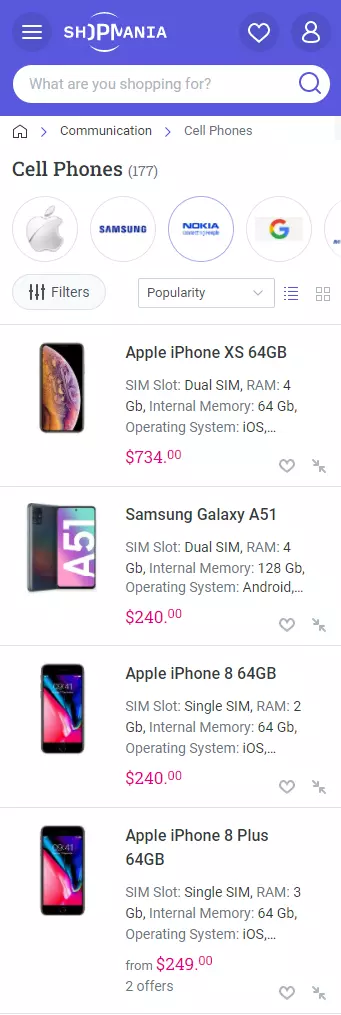
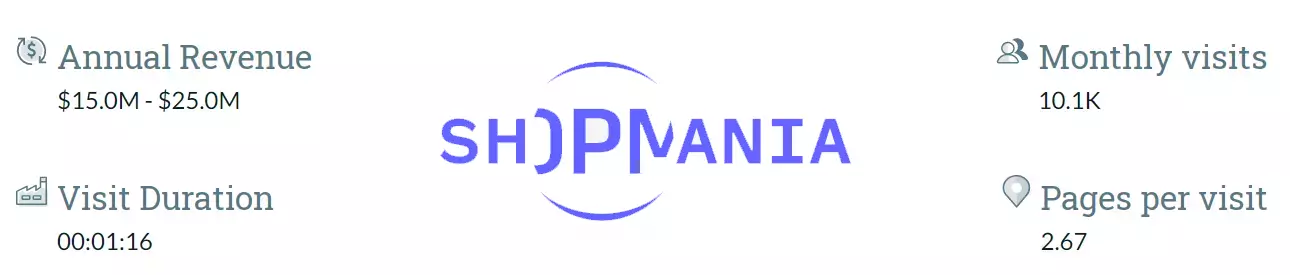
ShopMania is a global price comparison engine that operates in 25 countries. On the ShopMania.com web portal merchants expose their products to over 5 000 000 unique visitors monthly.
Join this marketplace to get new orders for your Shopify store.
ShopMania presents its partner merchants witch an app to increase sales through Facebook.
On ShopMania you pay for traffic you get as this marketplace uses Cost Per Click business model.
To present the product catalog of your Shopify store on ShopMania you need to register an account on Join Merchant Program of this marketplace.
You will have to install a ShopMania code snippet and the logo of this marketplace in the frontend of your Shopify store. This image can be placed in the footer or lateral sides. It should be visible on each page of your store.
You can still sell on ShopMania without placing it logo in your store frontend. You will need to upgrade your account on ShopMania to premium.
ShopMania approves stores that use the official language of the country where the ShopMania website operates. Price currency must be the official currency of the chosen regional ShopMania website.
You may begin uploading your product catalog after you have been granted access to this marketplace. Create a feed file containing product data for the ShopMania and upload it to your merchant account.
Use a product feed file to upload your Shopify products to ShopMania.com. You might spend hours preparing a file that fulfills all of the specifications of this digital selling platform. Simplify feed generation by using an app that handles difficult tasks for you:
Datafeed in Excel format is not acceptable for ShopMania. CSV, XML formats should be used.
The product description must not contain html tags or be in capital letters only.
Products on ShopMania are displayed with all taxes included. The datafeed must include taxes.
Obtain a valid product feed using a dedicated app for generating the feed file.
Using our Shopify app, you can get a genuine product feed in only a few clicks. This document will be automatically created in seconds. It will be completely ready for submission to ShopMania.
Mulwi software for Shopify gives you the datafeed file and a link to it. All you have to do is upload your feed to your merchant business account.
Upload the feed to ShopMania in the most convenient way for you find suits you best. It takes between 1 and 3 working days for the datafeed to be approved and for the products to appear on the site.
Our application takes care of most technical issues, not to mention the automated feed update.
Our app includes all of the tools you need to create a feed file:

Your feed will always include any new revisions of your product catalog. The feed data source URL meets ShopMania requirements.
Filter the feed to contain only the items you desire to place on ShopMania. You can, for example, promote goods from a certain collection or brand.
Our program may generate a feed in the native language of the region in which you sell. Use the app's built-in translation feature.
By changing a default ShopMania feed template, you may create a completely unique feed. With our app, you may change the feed in any way you like. Make changes to the template to add programmatic logic, liquid filters and variables for selecting custom data fields.