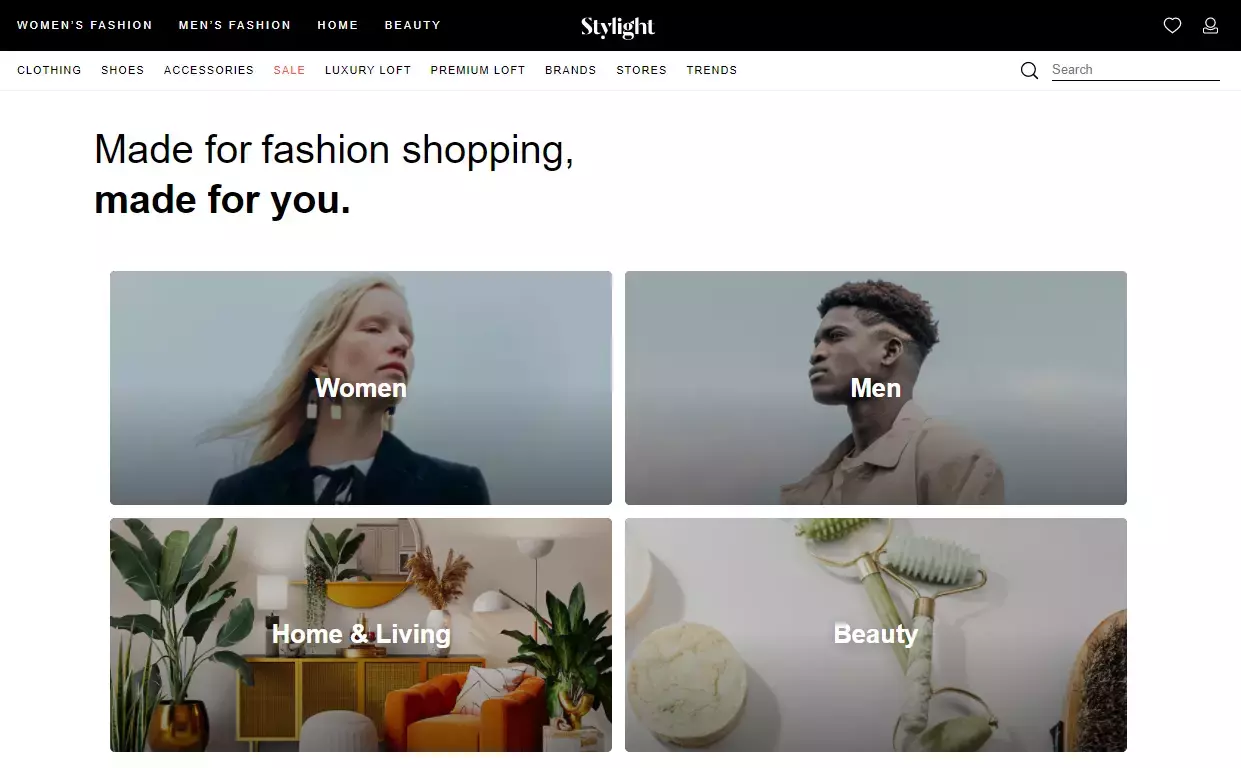
Since Stylight was founded in 2008 it has become a leading online marketplace for fashion, beauty, and design.
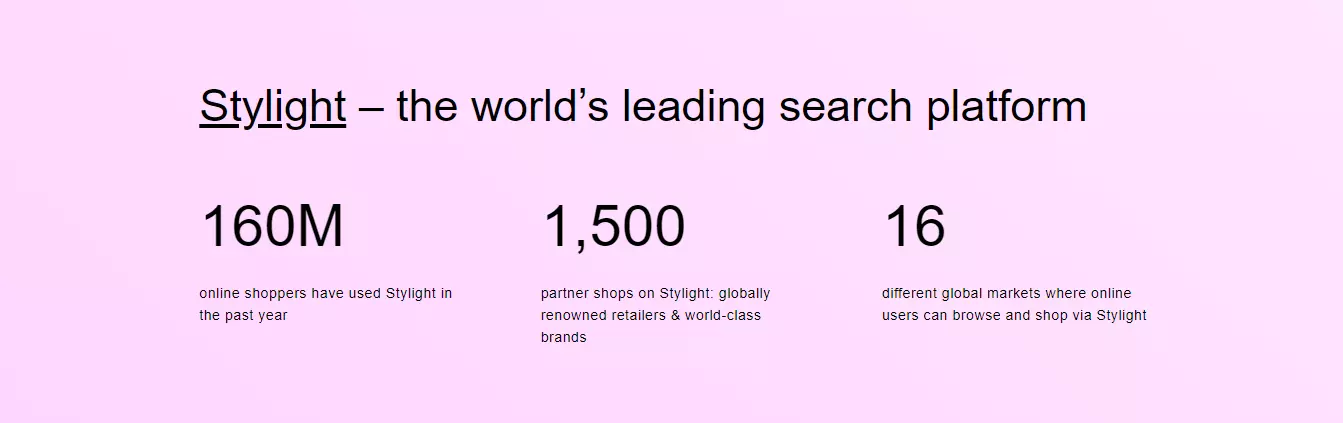
This shopping platform is available in 16 countries. Its headquarters are located in Munich, Germany, and another office is in Philadelphia, US.
Stylight works as a search engine, allowing customers to find the best deals form over 1 500 online stores, and compare prices from over 50 000 brands.
This fashion shopping engine provides merchants with an audience of 160 million potential shoppers yearly.
Stylight is neither an online store, nor does it sell products. It is a middleman, who offers inspiration and online search platform for customers and merchants.
Shoppers can compare prices items and place orders with a single click. Merchants get a one place to expose their fashion and beauty goods to additional audience for more sales.
Thousands of potential customers can see your products daily. Expose you product catalog to shoppers by simply generating a product feed.
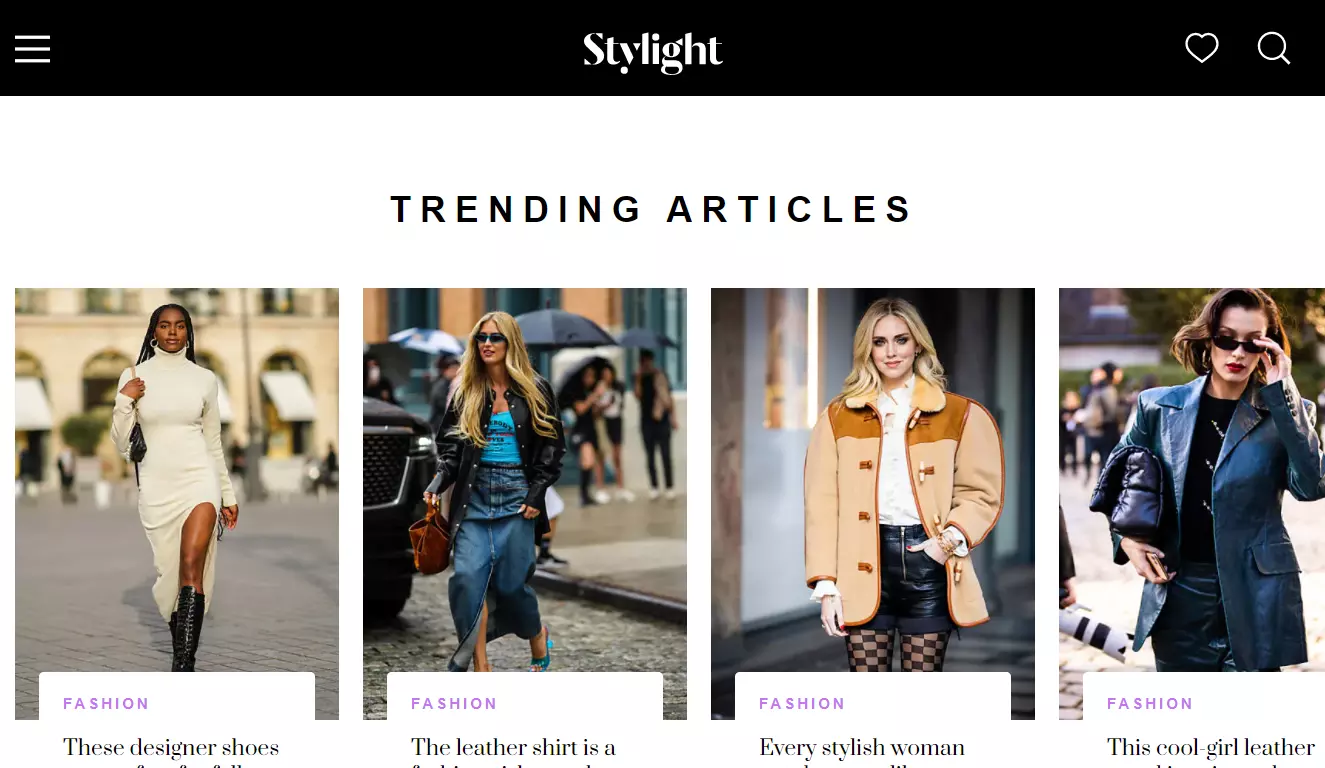
Stylight demonstrates +977% increase in demand for parachute pants, +115% click increase on bike shorts
Stylight Insight service will inform you on what items have high demand, and what to expect.
To join Stylight, fill out a registration form and contact Stylight's management. Then just wait for an approval to become a merchant on this shopping engine.
Next, examine your product inventory to identify which goods are most suited to this online fashion search engine. You may utilize product filtering functionality of our Shopify app to include exactly all the goods that you want to sell on Stylight.
Because you'll be using a product feed to push your products, create a product datafeed file in the appropriate format.
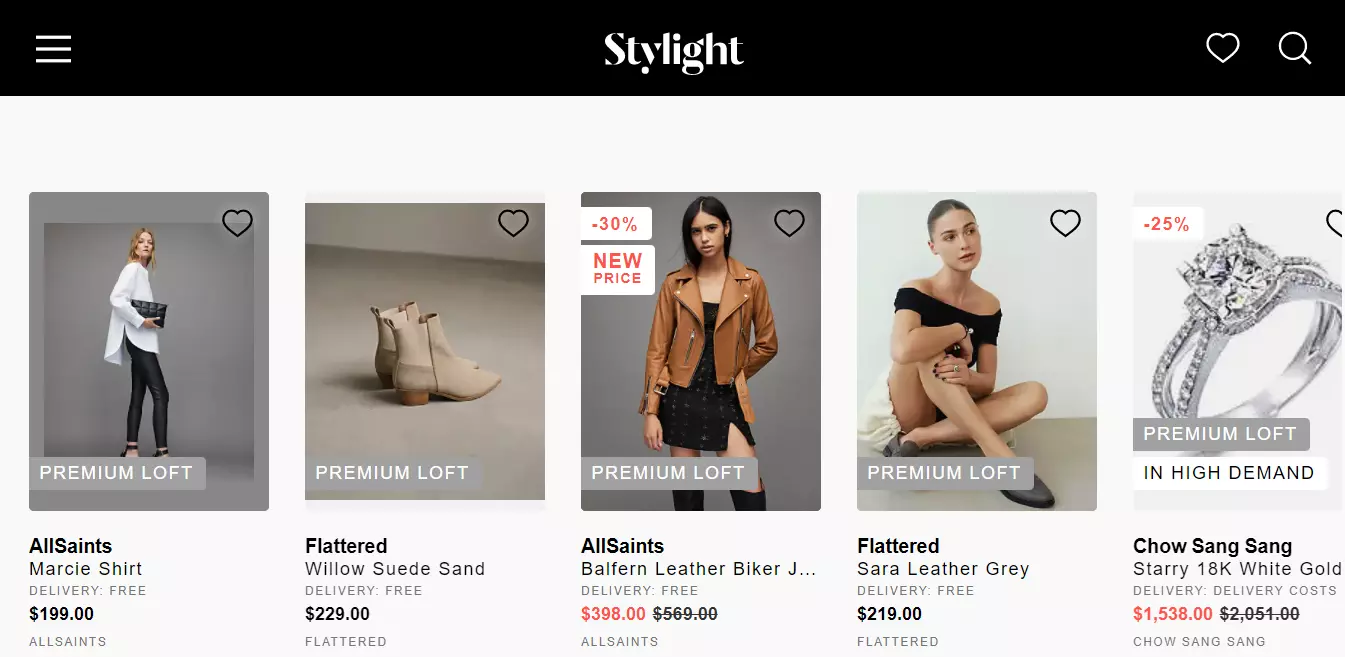
The Stylight marketplace is used by millions of online shoppers, providing your Shopify eCommerce business with a great platform to promote your products. Simply build a product listing to appropriately categorize your items.
This product listing must have fresh information on each of your goods. A product feed file can be used to acquire such a listing.
Before a feed can be approved by Stylight system, it must be validated to ensure that it meets with all of Stylight's criteria.
In Shopify admin panel, utilize a specific feed building app to build a legitimate feed file. Save hours of time by eliminating procedures linked to feeds such as:
Stylight requires that the feed is properly structured. It checks product headers, for example.
The content of a Stylight feed will be validated. Every product attribute will be thoroughly checked.
You will have to make sure the product data is updated frequently. Stylight requires only fresh information on items.
Our user-friendly app will save you time and generate an error-free feed file. You can change the feed configuration in your Shopify admin panel.
Profit from the increased sales that a Stylight product feed may generate for your Shopify store.
An automatically generated product listing fully discloses product information while also complying to marketplace standards.
Use our Shopify app to create a high-quality product data stream that will attract more customers.
Use our tool to automate various critical processes while generating a feed. It will make your products to be displayed in the manner requested by Stylight. You can format the product description data as you like to get the best results.
Regardless of catalog size, rapidly construct a working product feed file.
Our app gives you access to all the necessary resources you would need for a useful product feed:

All new goods, price, stock levels, and other recent changes in the product catalog are automatically exported to the feed file by our application.
Use product filters to add the content you want to the feed file. Use product filters when you want to promote items from a certain brand or collection, for instance.
By selecting a language from an integrated translation option, the feed's language can be changed in a flash.
By modifying a default feed template, you may create a completely unique In our app, you may change the feed in any way you need. Customize the template to include complex logic, liquid filters and variables for selecting custom data fields.