
Tradedoubler is a Swedish affiliate network. It was founded in 1999 to connect merchants who want to sell their products in various product categories.
The Tradedoubler affiliate network helps online stores with such tasks as rising brand awareness, re-engaging customers, increasing store visits and sales.
The affiliate platform currently hosts 15 offices including Sweden, United Kingdom, France, Germany, Switzerland, Netherlands, Spain, Italy, Poland and Singapore.
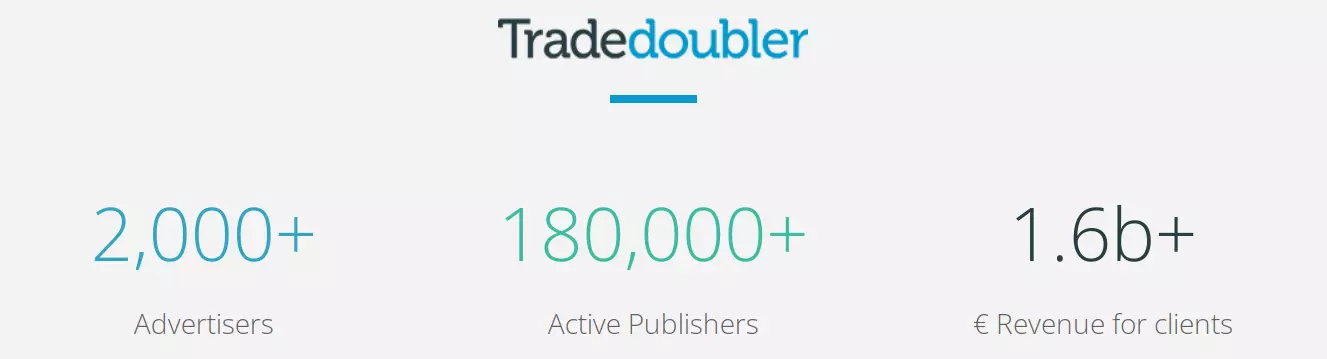
This affiliate network works with merchants and publishers in 81 countries all over the world. Over 2 000 brands globally has become partners with this platform.

Increase your consumer base by reaching out to a larger set of potential customers. Allow affiliate publisher sites and social media influencers to advertise your items to increase sales for your Shopify store.
Total Q3 2022 revenue increased by 17% to the same period last year
Advertisers have seen a constant growth of 40% with Tradedoubler.
Affiliate marketing is a strong strategy for any Shopify store to increase sales. Goods are promoted on an affiliate publisher network with publishers and social media influencers who are financially interested in bringing you new shoppers.
Tradedoubler enables you to sell internationally because it has affiliate web publishers in dozens of countries all over the world. Launch your partnership with Tradedoubler by contacting one of its managers to determine the best affiliate model for you.
Your account manager notifies the affiliate publishers about your campaign once the commission model and performance tracking tools have been determined. Following that, the platform handles affiliate payouts.
Begin selling with the Tradedoubler affiliate network by sending a product feed to your account on this platform. This datafeed file should contain all of the product information. Maintain it carefully to greatly boost your marketing outcomes.

Use a product feed file to send your items to Tradedoubler. To be used by the platform, the feed file must have a specified setup. Creating such a feed file manually takes many hours, which you will spend on things such as:
Tradedoubler needs that the feed be properly set. Product attributes should be set according on product type and market.
The feed should contain the most recent product information. As a result, it must be updated when any of product is changed.
To get the most out of the feed, make proper use of optional and mandatory data fields.
Easily get an error-free Tradedoubler product feed that meets all requirements. Navigate to our app to get the feed in a Shopify admin panel.
Get a Tradedoubler Shopify feed with an easy-to-use Mulwi tool. This app saves you time by dealing with numerous datafeed nuances without requiring your attention.
In only a few clicks, you can have a feed file completely prepared for submission to your merchant account. Our software not only offers the Shopify datafeed file, but it also hosts it. So you can simply paste an URL into the platform to submit the feed.
Most technical concerns are handled by our program, and automated updates of the datafeed file will guarantee that you always have latest information on your products.

Create a feed that does more than just follow Tradedoubler's technical guidelines. You will attract more potential customers with the high-quality feed generated by our app:

The Tradedoubler feed will always have the most recent data. All changes, including product, pricing, stock statuses, product photos, and so on, are automatically exported into the datafeed.
Translate the products titles, descriptions, and other product text information into whatever language you want. Simply enable the built-in translation feature.
Improve feed quality by tailoring it to your requirements. Use liquid filters and variables to enhance your feed with custom data.
Our Shopify tool assists you in categorizing your items in accordance with the taxonomy of Tradedoubler. You may map categories in a matter of minutes using auto recommendations.
Your feed will always be accessible to Tradedoubler. Our program provides a dependable host for created feeds.