

ShareASale is a network of affiliate publishers who work to promote products merchants want to sell. Bloggers, news publishers, and website editors - eCommerce businesses can choose who will be promoting their goods.
Web publishers try their best to promote products since they earn a commission on each sale made on their websites.
The ShareASale affiliate network will bring additional sales to your Shopify store by promoting your products on hundreds of internet sites.

Web sites of more than 241,000 affiliate publishers are available to be used as a place for promoting your products.
The ShareASale generates about 194 million sales per year thanks to high conversion rates. This brought $16 billion in revenue for the network's clients.
Affiliate marketing is a powerful tool to boost your sales by displaying your products on the network of affiliate publishers.
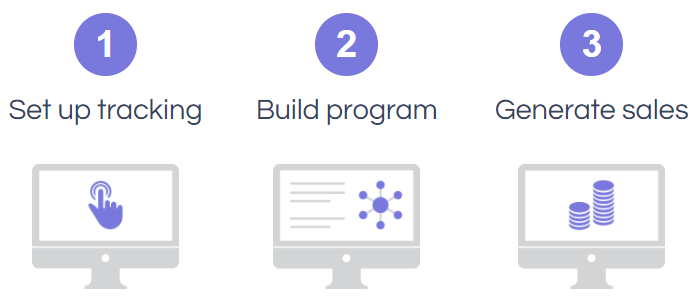
Launch the affiliate marketing in three steps: configure tracking of shoppers -> make your affiliate program -> get new orders.
Start selling on ShareASale by providing it with a feed that contains the data on your products.
The product feed file is the key to starting sales on an affiliate network. For it to be accepted, the file has to meet the ShareASale requirements. Manual generation of such a file can take several hours since you will have to solve such problems:
The product feed file has to meet the latest ShareASale specification. Therefore, you will have to track it constantly.
You will need to decipher category names that look like category 11 and subcategory 100. Deciphering consumes lots of time.
Getting a maximum value out of the feed requires proper usage of optional data fields along with mandatory fields.
A valid product feed file can be easily generated with a dedicated app for your Shopify store.
A fully valid product feed for your Shopify store can be obtained with the help of our app.
This tool spares you from diving into technical details and provides you with the feed file and a URL in a minute. You simply need to push the feed to ShareASale.
The app automates most feed-related tasks, including updates.
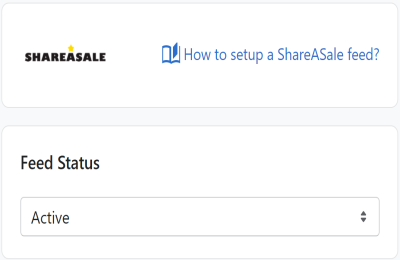
Our app provides you with all the functionality to generate a feed file:

Automatically get a feed with the most recent prices, stock statuses, product images, etc. The app tracks changes in the product catalog, and instantly regenerates the feed file.
Apply product filters to fill the feed with items you want to include. For example, you can push products of a specific collection or brand.
The feed language can be changed in a second by selecting it in the built-in translation option. functionality.
Get more than the basic feed template offers. Customize the template to include complex logic, liquid filters and variables for selecting custom data fields.